
Service
Crop, Extend and Add Text Service
Tell us where the photo is going, a frame, a card or a post, and a real editor crops it, extends the edges or adds your words by hand.
Free to upload · No credit card · See your estimated price before you pay
-
From 1 credit (US$8)Per photo. Buy a credit pack upfront and save up to 20%.
-
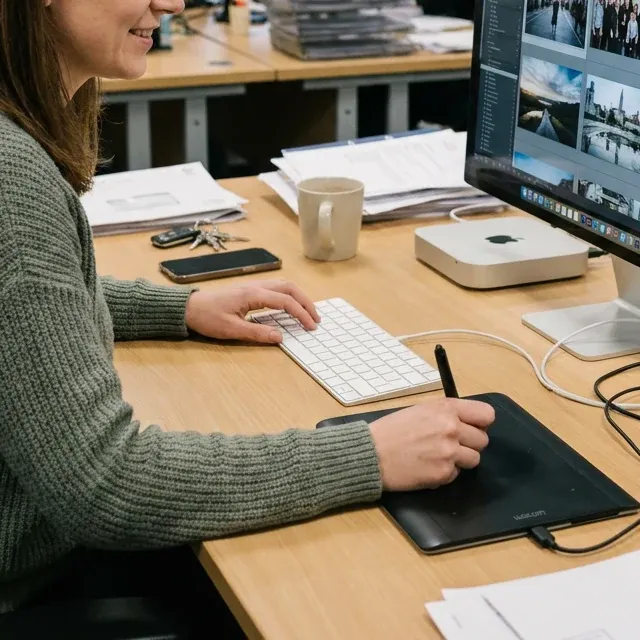
24 hoursMost orders of up to 5 photos are back within 24 hours. You see the estimate before you pay.
-
-
14 daysFree revisions, with a full refund if it still doesn't work out.
-
PrivateWe never share or publicly show your photos.
What this service covers
-
You bring
The photo, the exact words if you want text, and where it will be used, such as an 8x10 frame, a 5x7 card or a staff page.
-
We do
Crop or extend the photo to that shape, and set your words in open space, clear of faces and hands.
-
We don't
Design cards or logos from scratch, or set up files for a print shop, such as bleed or color profiles.
Before & after
Examples use images created or licensed for this site, never real customer photos.
5 examples
-
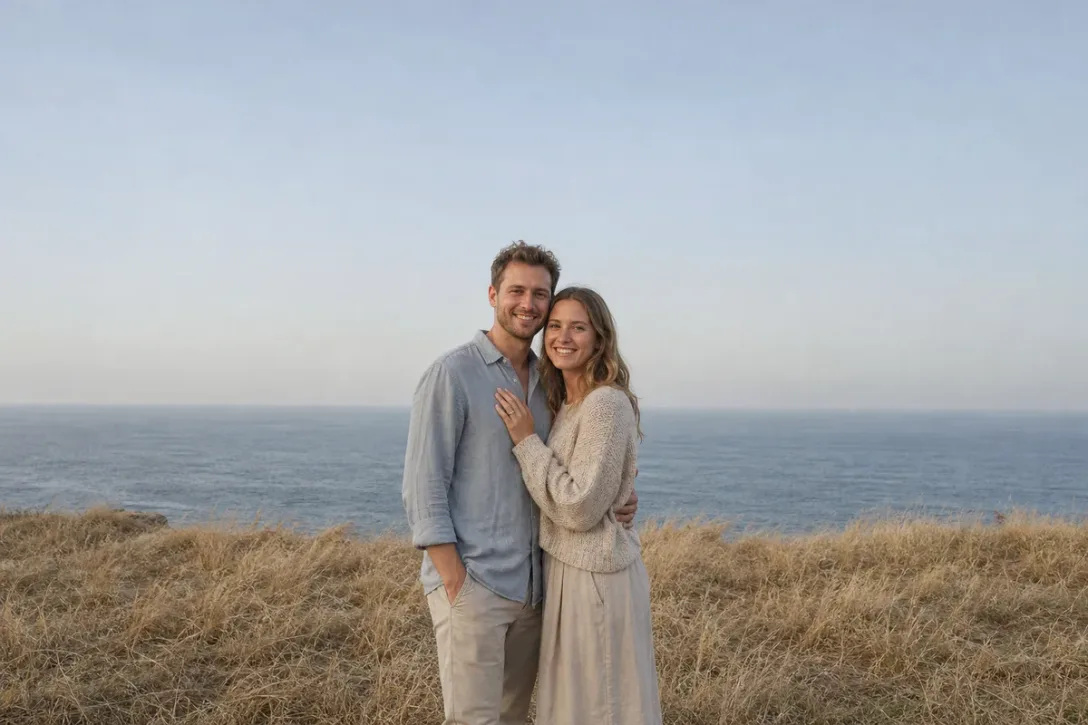 Image unavailable. Please reload to try again.
Before
Example 01 / 05
Add Text to Photo
Turn a photo into a save-the-date, holiday card, birthday print or baby announcement. You send the words; an editor designs the lettering around the photo.
1 credit approx. US$8
View details -
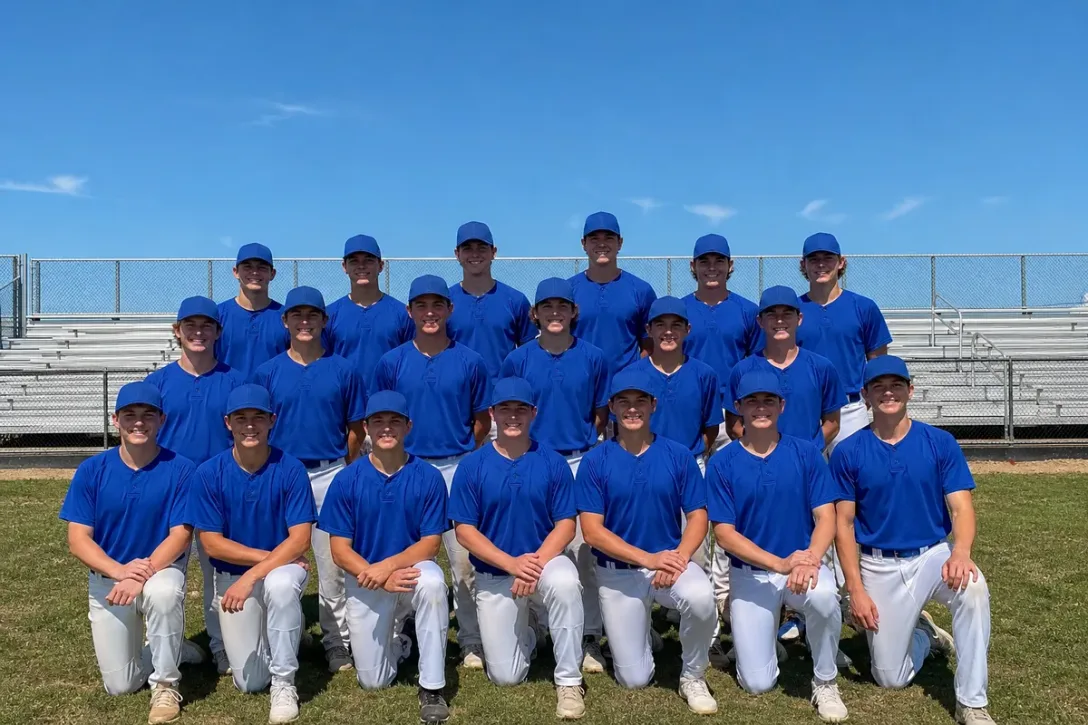 Image unavailable. Please reload to try again.
Before
Example 02 / 05
Add Team Name to Photo
Add a team name and season in collegiate lettering above a team photo, for a poster or banquet print, without covering any players.
1 credit approx. US$8
View details -
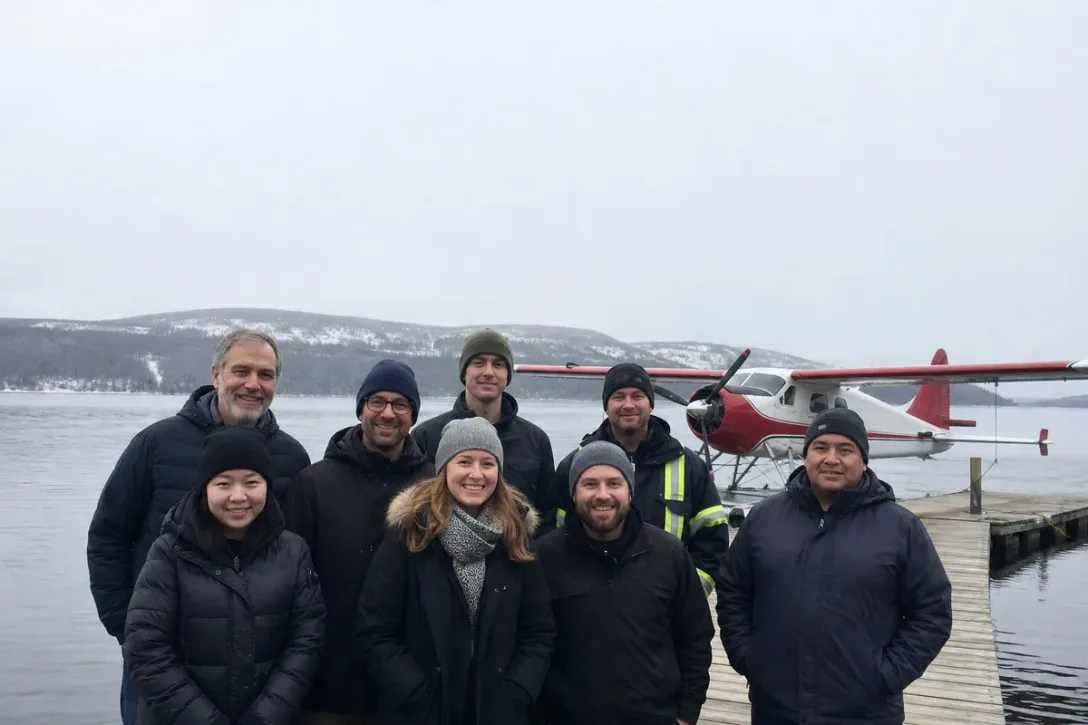 Image unavailable. Please reload to try again.
Before
Example 03 / 05
Company Christmas Card Photo
Turn a casual team photo into the front of your company Christmas card: a designed greeting and company name in the open sky, every face kept as it is.
1 credit approx. US$8
View details -
Example 04 / 05
Extend Headshot Background
Extend the wall above the head in a tightly framed phone headshot so a staff page grid has clear space over the hair, keeping the face and the cardigan as shot.
1 credit approx. US$8
View details -
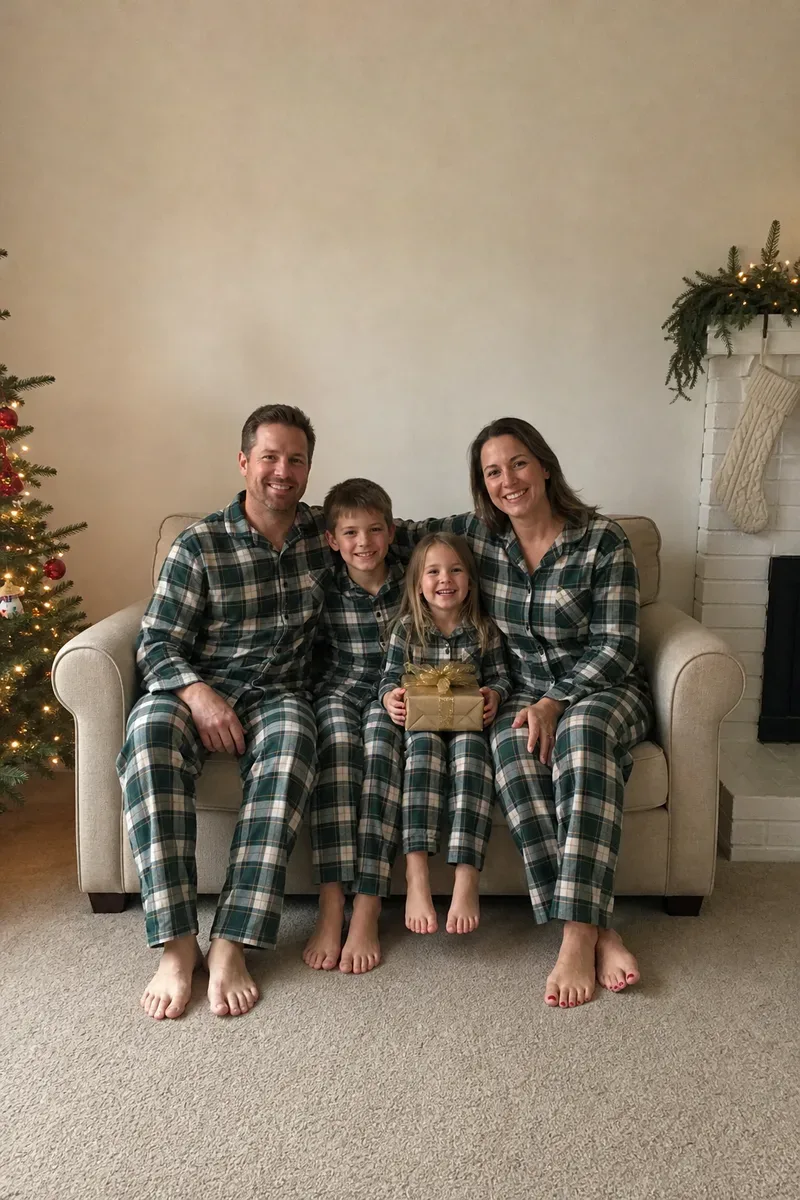 Image unavailable. Please reload to try again.
Before
Example 05 / 05
Convert Portrait to Landscape
Turn a vertical Christmas family photo into a landscape one: the room is extended on both sides, and the family stays exactly as shot.
1 credit approx. US$8
View details
Frequently asked questions
About this service
-
Can you change a photo's shape without cutting anyone off?
Often, yes. If cropping to the new shape would cut off a face, a hand or something that matters, the editor can extend the background instead, so the wall, sky or floor continues and the photo fits. A second shot from the same moment helps, because the editor can take real background from it instead of rebuilding it.
-
Who chooses the wording and the lettering style?
You give the exact words, including capital letters and punctuation; the editor designs the lettering. They choose the font, color and layout to suit the photo, or follow a style you point to, and check the spelling against your text. We don't write the wording for you, design logos, or build a card from scratch.
-
Is the file ready to send to a print shop?
You get a digital file shaped for the use you told us, such as an 8x10 or a 5x7 print. We don't do print-shop setup like bleed, color profiles or physical proofs, so check your printer's requirements and order a test print first.
-
How large can the photo be printed?
It depends on the pixels in the original. A sharp 8x10 print needs roughly 2400 × 3000 pixels after cropping. If your photo is smaller than that, see photo restoration and upscaling.
Ordering with Tucia
-
Is my photo edited by a real person or by AI?
By a real person. Every photo is assigned to a professional human editor who does the work by hand, and a human checks the result before delivery. AI tools are used only for narrow helper steps, never as a one-click filter.
-
How much does it cost?
Pricing is per photo, in credits, from 1 credit (US$8). The price and delivery time shown at checkout are an estimate. If your edit turns out to need more work than that, the editor pauses that photo and messages you with the extra amount, and nothing more is charged unless you agree. If you decline, that part is dropped and refunded.
-
How long does it take?
Most orders are back within 24 hours; larger batches take longer, and you'll see an estimate at checkout. There is no paid rush option. If you have a deadline, say so in your order notes and we'll do our best to fit it in, though we can't guarantee a date.
-
What if I'm not happy with the result?
Ask for changes: revisions are free for 14 days after delivery. They need to follow your original instructions (a new direction counts as a new order). If it still doesn't work out, you get a full refund. The full terms are in our revision policy.
-
Are my photos kept private?
Yes. We never share your photos or show them publicly, and we never use them for marketing. A few editing steps rely on third-party AI tools — here is exactly which ones, and what we can and can't guarantee. More in our Privacy Policy.
-
Still have a question?
Ask us before you order: contact us.
"I have used the team at Tucia for many years and delighted with everything . They have been an invaluable help to my business ... Tremendous company. Outstanding service."

Wedding Photographer · New York
Award-winning · 25+ years experience
A better photo. Or your money back.
Tell us what you’d like changed. Revisions are free, and if you’re still not satisfied with the result, we’ll refund you in full.







Trusted by 120,000+ customers
Create a free account and upload your photo. Review the estimated price and delivery time before you pay.