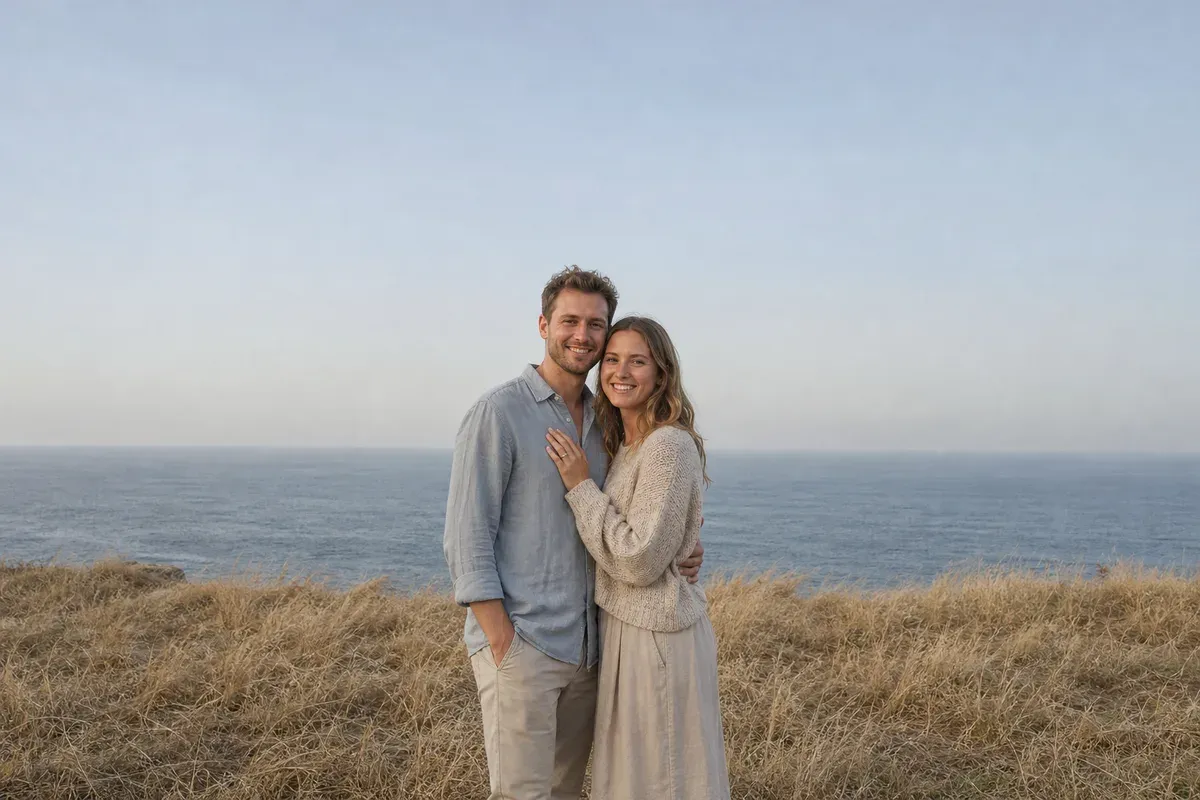
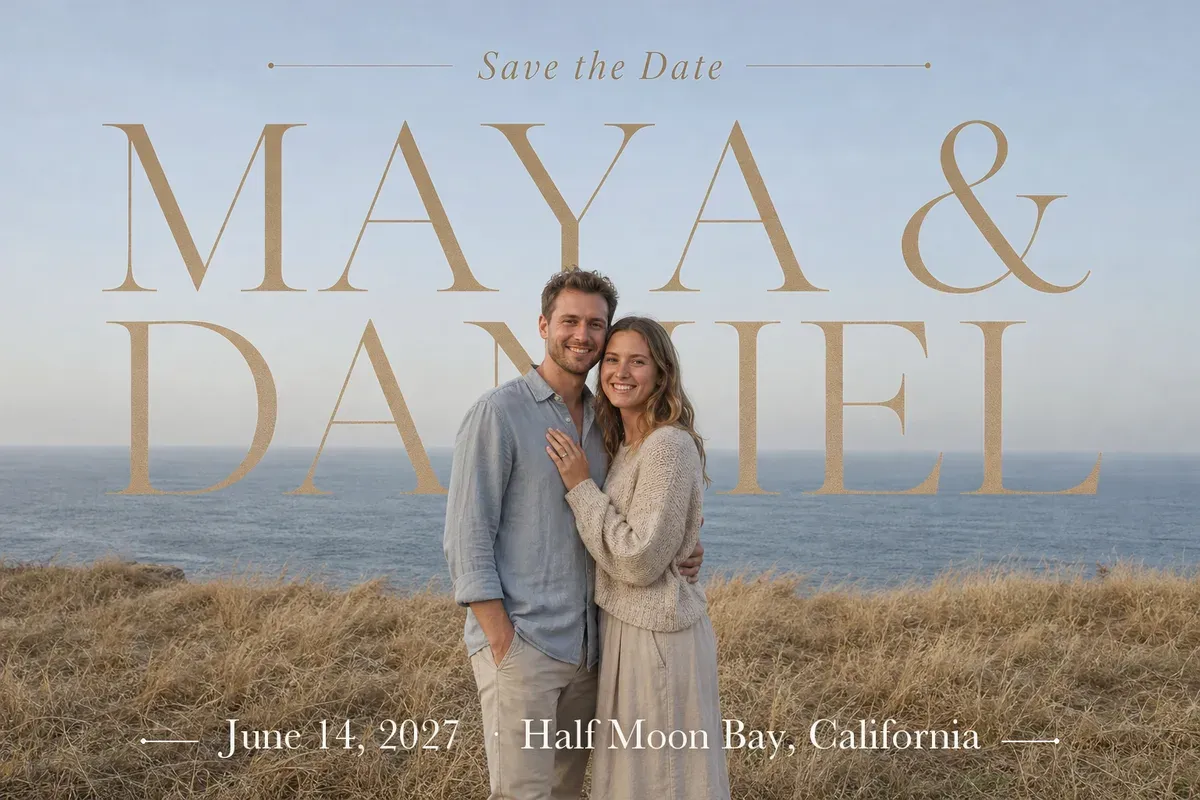
Adding text to a photo for a special day means turning a picture you already love into a card: the names, greeting or date are designed as part of the picture, not typed on top. Free apps can put words on a photo; what people pay for is lettering that looks like it belongs there. In this example, a newly engaged couple has a phone photo a friend took on a coastal bluff and wants it as their save-the-date. Their request: "Can our names be big behind us, like a magazine cover? It's fine if we cover part of the letters, as long as both names can still be read."
What changed in this photo, and what stayed the same?
- Added: "Save the Date" in a small italic serif between two fine rules at the top; "MAYA &" and "DANIEL" in very large warm sand-gold capitals across the sky; and "June 14, 2027 · Half Moon Bay, California" in a white serif line over the grass, sized to stay readable on a phone screen, with a soft shadow and two short rules.
- Behind, not on top: the names pass behind the couple, so his head and their shoulders sit in front of the letters, as on a magazine cover. Only the N of DANIEL is mostly hidden, and enough of its stroke shows that both names read at a glance.
- Kept: outside the lettering, the photo is the original: the couple, their faces and clothes, the sea and the grass.
Which days do people add text for?
- Weddings: your names and the date on an engagement photo for a save-the-date, or on a wedding photo for thank-you cards.
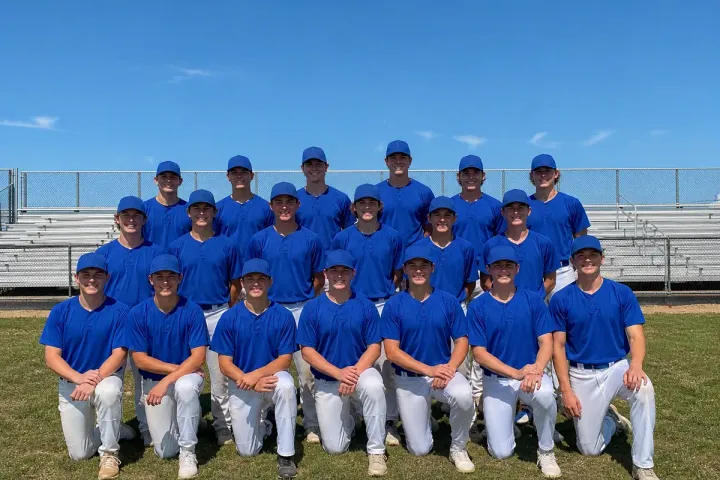
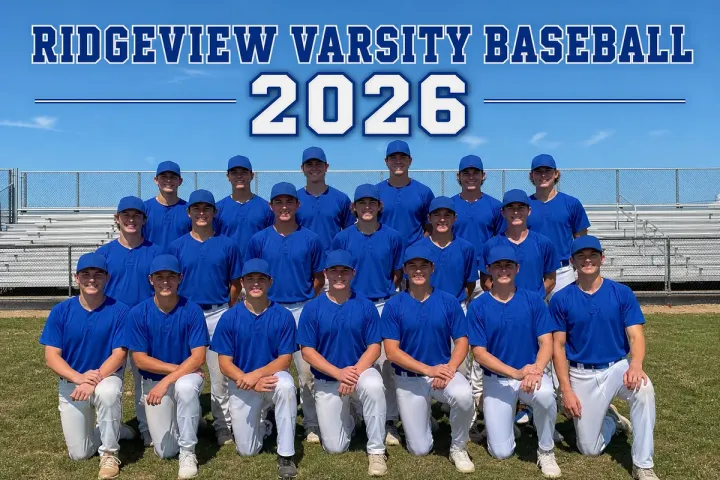
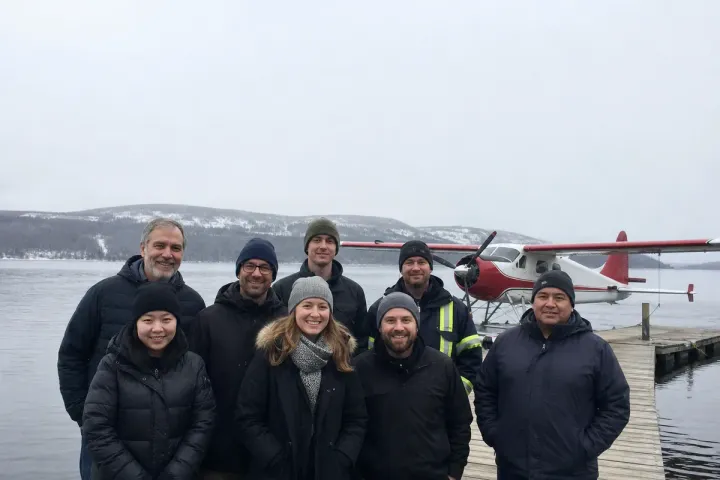
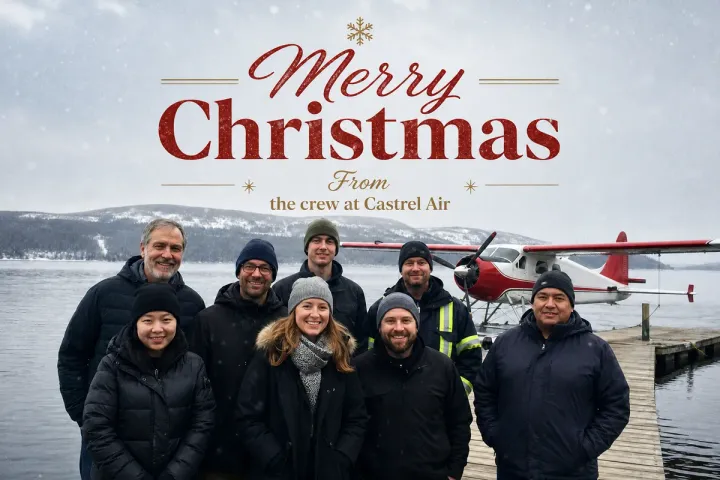
- Holidays: "Merry Christmas", "Happy Holidays" or "Season's Greetings" with the family name, or with a company name on a team photo for client cards.
- Birthdays and anniversaries: a name and age, or a short line between two people, for a print or a gift.
- New baby: "Mr. & Mrs." and a due date for a pregnancy announcement, or the baby's name and birth date for a birth announcement.
Do you need to choose the font and colors?
No. Send the exact words and tell us the occasion. The editor looks at the photo first: where the open space is, which colors are already there, and what mood the picture has. Here the letters take their warm sand-gold from her sweater and the dry grass, so they sit quietly on the blue-grey sky instead of fighting it, and tall serif capitals suit a wedding card. Setting words behind people takes more than typing: the editor separates the couple from the sky so the letters can pass behind them, and sizes the names so the people cover only as much as still lets them be read. If you have a style in mind, such as "simple and modern" or a card you liked, mention it. AI tools may help produce the lettering, while the choice, placement and review stay with the editor.
What should you send?
The original photo, every line exactly as it should appear, including capital letters and punctuation, and where it will be used, for example a 5 by 7 inch card. For names behind you, a photo with open sky or a plain wall around your heads and shoulders works best. The file is delivered digitally; check your print shop's size and bleed rules before ordering cards.
For bold poster-style lettering, see add a team name to a photo. For edits to the wedding photos themselves, see wedding photo editing. More under crop, extend & add text.
Photos
-
 engagement.jpg
1 credit ($8)
1 photo to edit
Instructions
For our save-the-date, can you put our names big behind us? Maya & Daniel, June 14, 2027, Half Moon Bay
Private: recreated on our own images, not customer photos
The before/after shown here is recreated on images created or licensed for this site — never a real customer's photo. Your upload is seen only by the editor working on it, and the edit comes with free revisions within 14 days of delivery if anything needs adjusting.