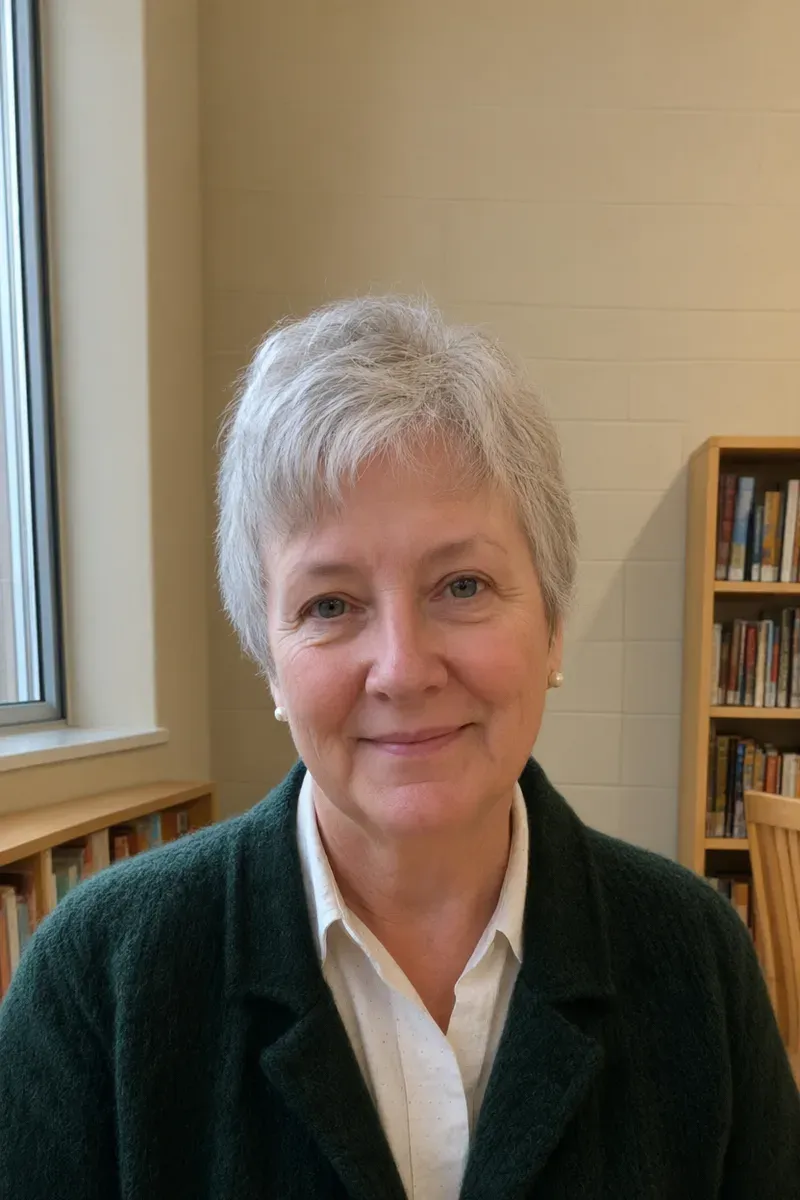
When the head touches the top of the frame
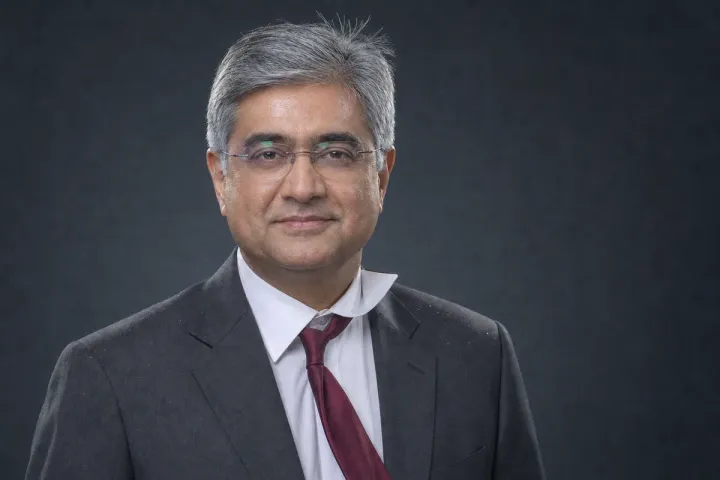
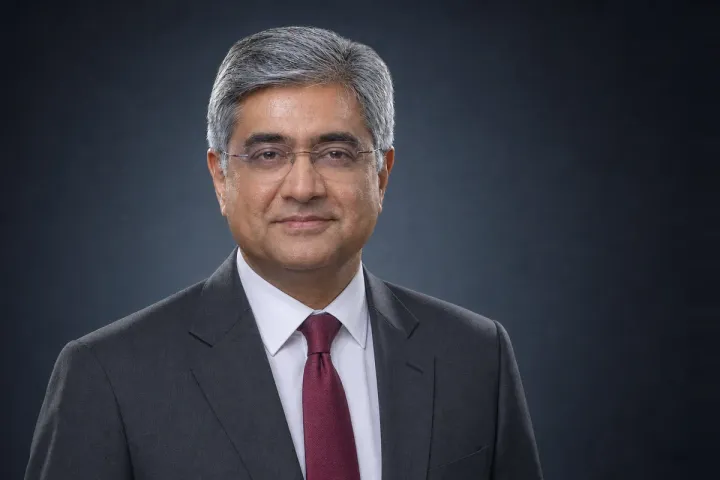
Staff pages often show every portrait in the same portrait-shaped box and ask for clear space above the head. In this example a teacher was photographed by a coworker in the school library on a phone. Her expression is relaxed and the silver hair looks good, but the top of her head almost touches the upper edge. Cropping that photo to a taller shape would cut into her hair.
Who uses this
- Schools, clinics and firms that publish a staff grid with a fixed portrait shape
- People who were photographed a little too close and cannot retake the picture
- Anyone who needs room above the head for a crop, a title or a frame
How the edit is handled
A human editor, with AI tools assisting where they help, extends the scene upward: the beige wall, the window frame and the top of the shelf continue with the same texture and soft window light, so no seam shows. Inside a frame of the same shape, the person sits slightly smaller and lower than in the original, because that is how the new space is made.
Her hair, earrings, cardigan and expression are checked against the original at full size. The extended wall never existed in the photo, so its texture is an estimate made to look natural, and fine skin detail can come out a little smoother than the original.
What to upload
Send the photo and the shape your page needs, such as the pixel size or the ratio of the portrait box. If your grid also asks for how much space to leave above the head, tell us and we will match it.
Photos
-
 headshot.jpg
1 credit ($8)
1 photo to edit
Instructions
My hair is almost touching the top. Can you add some space above my head?
Private: recreated on our own images, not customer photos
The before/after shown here is recreated on images created or licensed for this site — never a real customer's photo. Your upload is seen only by the editor working on it, and the edit comes with free revisions within 14 days of delivery if anything needs adjusting.