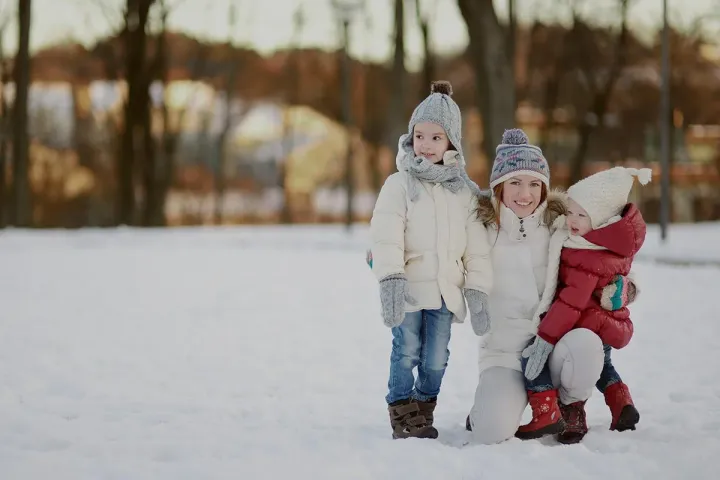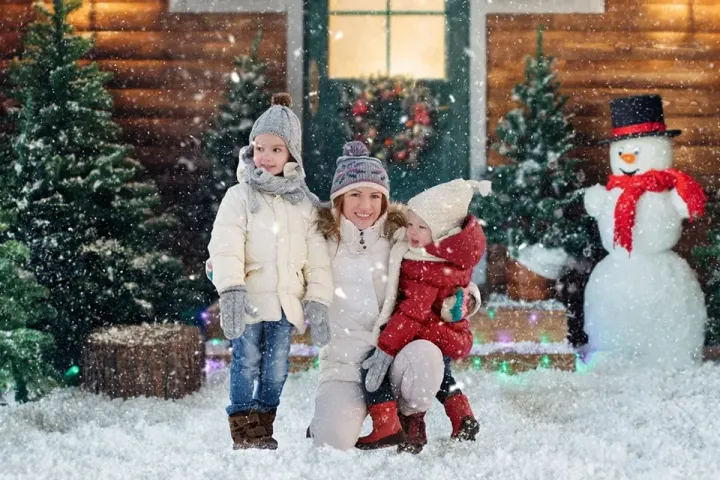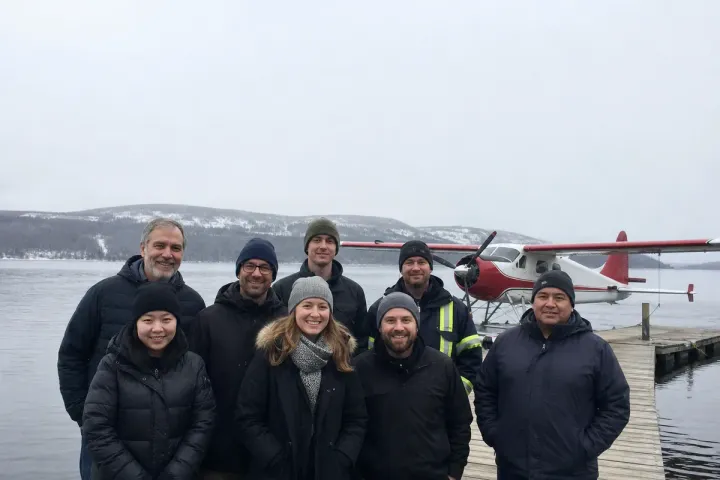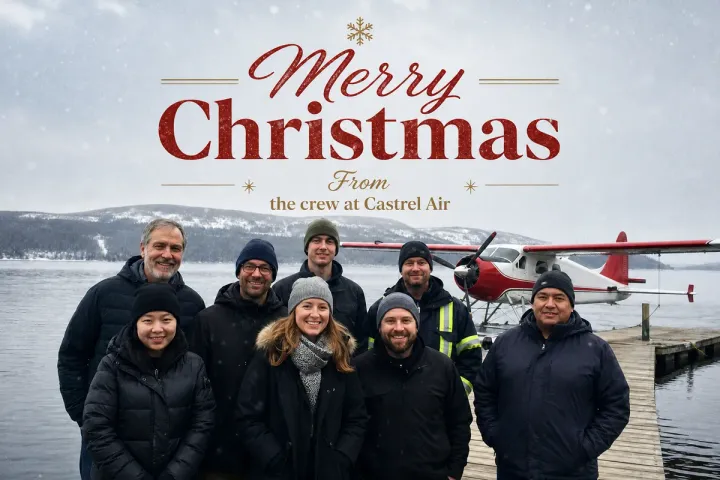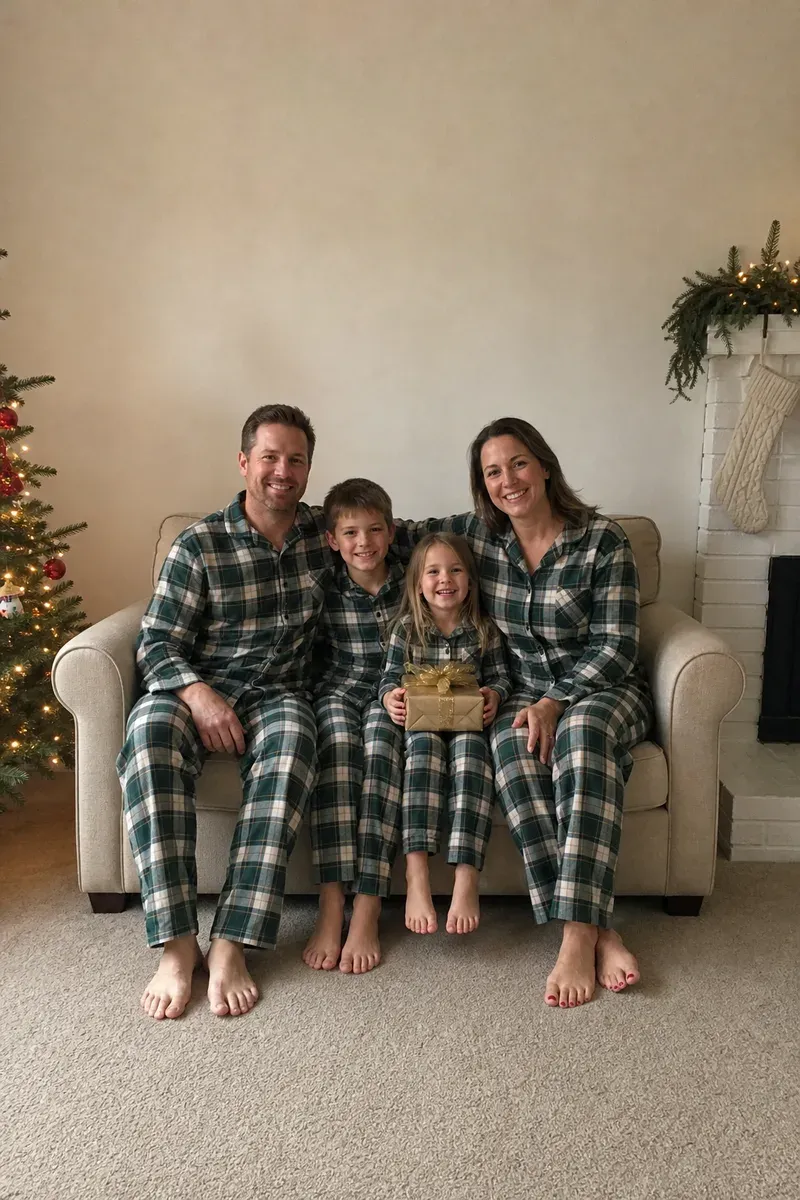
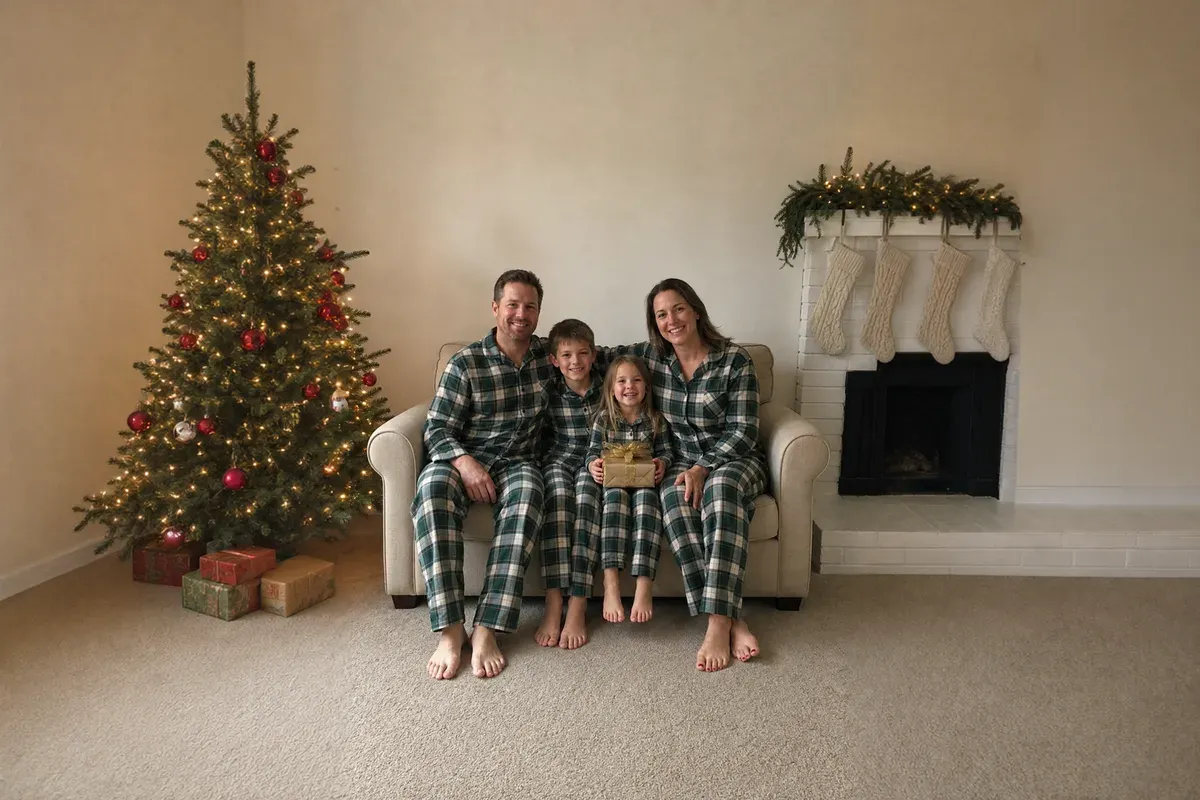
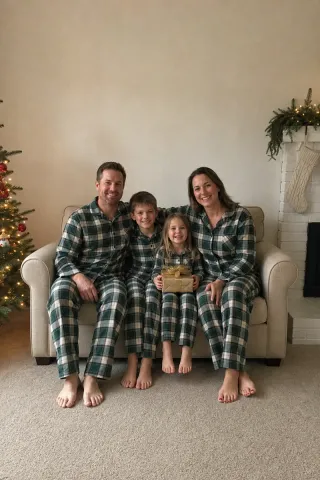
Converting a portrait photo to landscape means turning a tall phone picture into a wide one without cropping anyone: the scene is extended on the left and right, and the original photo stays in the middle as shot. In this example, a relative took a vertical phone photo of a family of four on Christmas morning, everyone in matching pajamas and smiling. The family wants it on a landscape 5x7 holiday card, but cutting the tall photo to that shape would cut off their heads or their feet.
What changed in this photo, and what stayed the same?
- Extended on the left: the Christmas tree that was cut off at the edge, now seen in full with the same warm lights and red ornaments, with a few wrapped presents under it.
- Extended on the right: the rest of the white brick fireplace, with the garland along the mantel, three more knit stockings and the firebox.
- Kept: the original photo sits in the middle, scaled to the height of the new picture. The four of them, the loveseat, the wall and the carpet are untouched; only a narrow strip at its far left and right edges, where the tree branches and the fireplace corner were, is blended into the new areas so there is no seam.
How does the editor decide what goes on the sides?
The new areas continue what the edges already show: a tree cut off at the left becomes a whole tree, a fireplace corner becomes a fireplace. AI tools help draft the extension; the editor keeps the family and the room in the middle untouched and checks that the mantel, the carpet and the wall meet it without a seam. The added areas are a believable estimate, not what the room really looked like, and at full size they can look slightly softer than the original.
When is it harder?
If someone is cut off at the edge, an arm or shoulder would have to be invented, so tell us. Other people, signs or text near the edges are also harder to continue. A second photo of the same room helps: the editor can use what it shows instead of guessing. If part of that photo is used in the wider image, it counts as a photo to edit too, so 1 more credit. A photo we only look at is free.
What should you send?
The original photo, the shape you need, such as a 5x7 landscape card or a 16:9 screen, and anything you want on the sides, for example "more of the tree". For a taller shape instead, see extend a headshot background; to add a greeting afterwards, see add text to a photo.
Photos
-
 christmas.jpg
1 credit ($8)
1 photo to edit
Instructions
Our card is landscape. Can you turn this into a horizontal photo?
Private: recreated on our own images, not customer photos
The before/after shown here is recreated on images created or licensed for this site — never a real customer's photo. Your upload is seen only by the editor working on it, and the edit comes with free revisions within 14 days of delivery if anything needs adjusting.