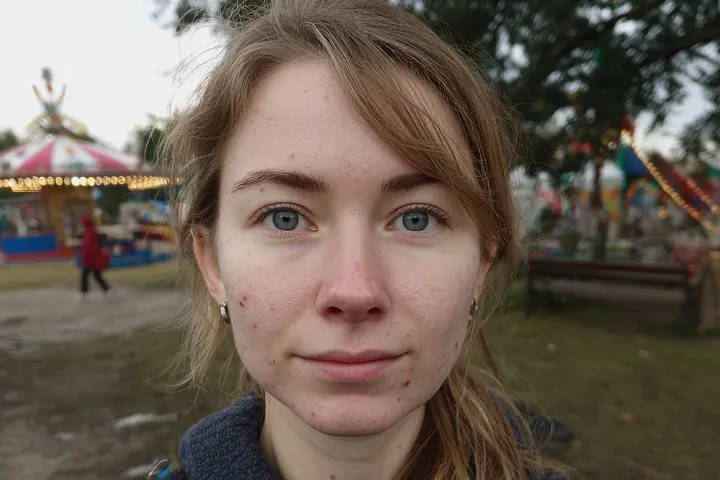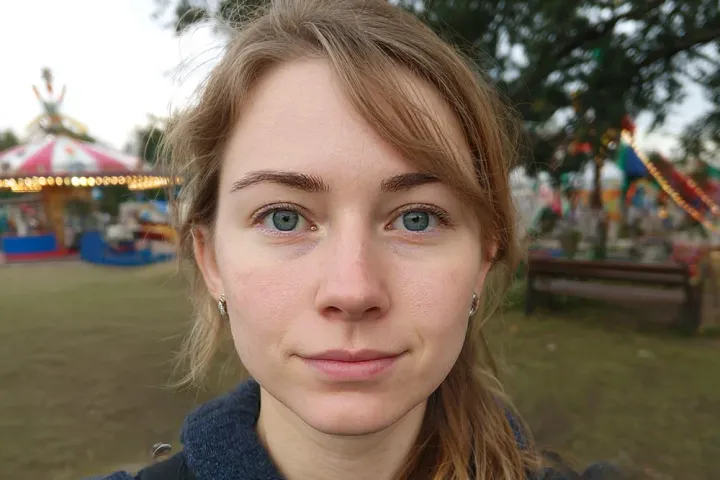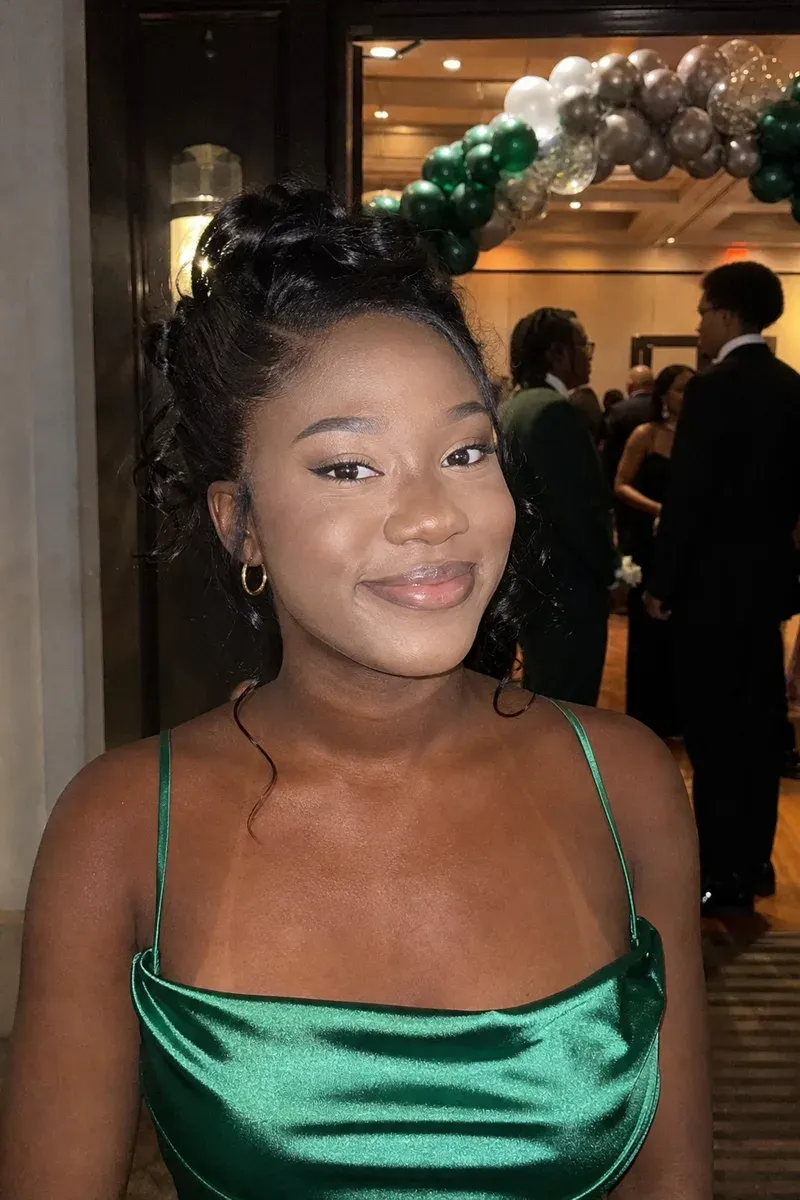
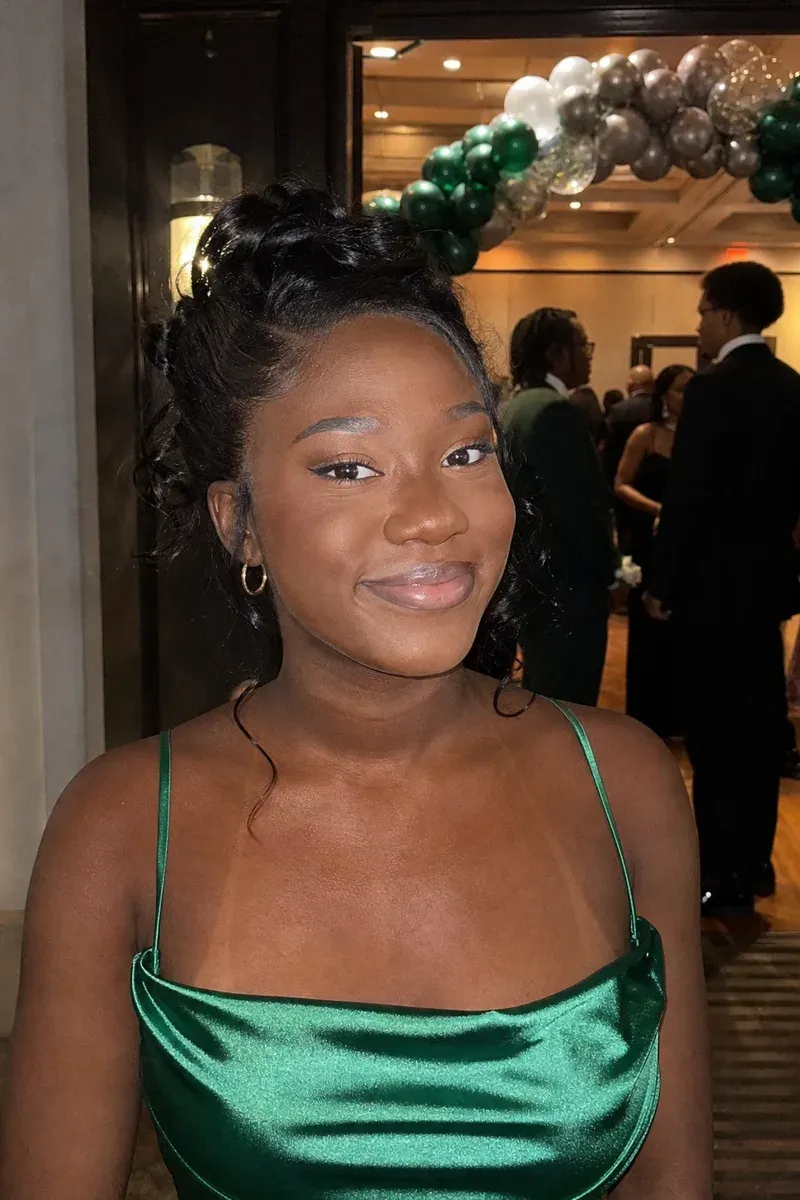
Fixing foundation that looks too light in a photo means bringing the face back to the same color as the neck and chest, so the makeup no longer looks like a pale mask. In this example, a 17-year-old in an emerald satin gown is photographed with a phone flash at the entrance to her high-school prom. Her foundation was a shade or two too light to begin with, and under the flash her face came out pale and slightly gray, clearly lighter than her deep brown neck and shoulders.
What changed in this photo, and what stayed the same?
- Matched: the color of her face to her neck and chest, removing the pale, gray cast and the line at the jaw. Only the skin color moved; nothing in her face was redrawn.
- Warmed slightly with it: the makeup on her eyelids, which sits on the same skin and shifts with it.
- Kept: her features, smile, brows and lashes, her lip color, her updo, gold hoops and gown, and the balloon arch and guests behind her.
Why does foundation look white in flash photos?
Many foundations and setting powders contain ingredients such as SPF filters and silica that reflect a direct flash more strongly than bare skin does. The flash is right next to the lens, so that reflection goes straight back to the camera, and the face looks lighter than the neck even when the shade is a perfect match in daylight. The effect is strongest in dark rooms where the flash is the main light, such as proms, receptions and parties.
How does an editor match face and neck color?
The neck and chest are the reference, because they show her real skin tone in the same light. The editor shifts the face toward that color, keeps the natural shading of cheekbones and nose, and blends the jawline so there is no edge. Makeup on the eyes and lips is kept, though its color can shift a little with the face; if a lipstick or eyeshadow shade matters to you, mention it.
What should you send?
- The original photo in full size.
- Another photo of yourself without flash, if you have one, to show your real skin tone.
- For group photos, who to fix: often only one or two people in a flash photo are affected.
For uneven redness instead of a pale cast, see even out skin tone in photos. For a shiny face from the same flash, see remove shine from a face. More under face and skin retouching.
Photos
-
 prom.jpg
1 credit ($8)
- daylight.jpg Reference
1 photo to edit · 1 reference
Instructions
The flash made my face way paler than my neck. Can you match it to my real skin tone in the second pic?
Private: recreated on our own images, not customer photos
The before/after shown here is recreated on images created or licensed for this site — never a real customer's photo. Your upload is seen only by the editor working on it, and the edit comes with free revisions within 14 days of delivery if anything needs adjusting.