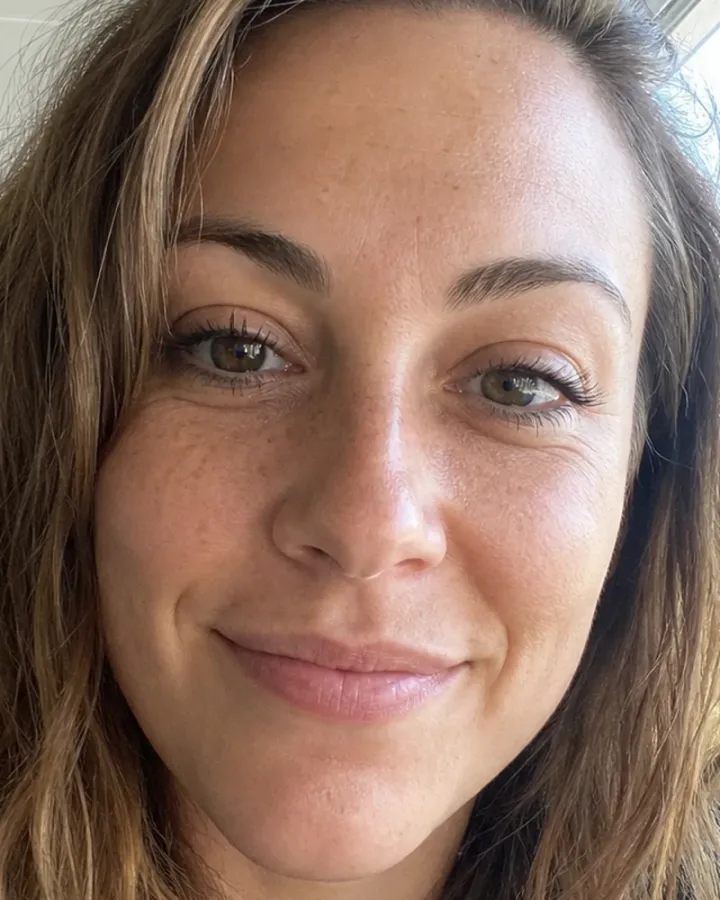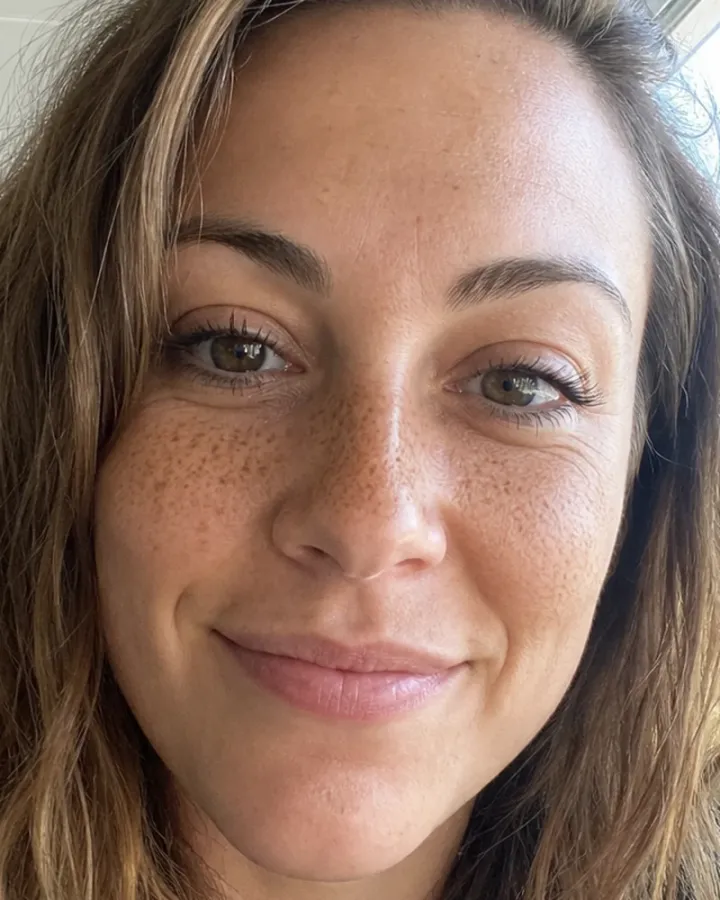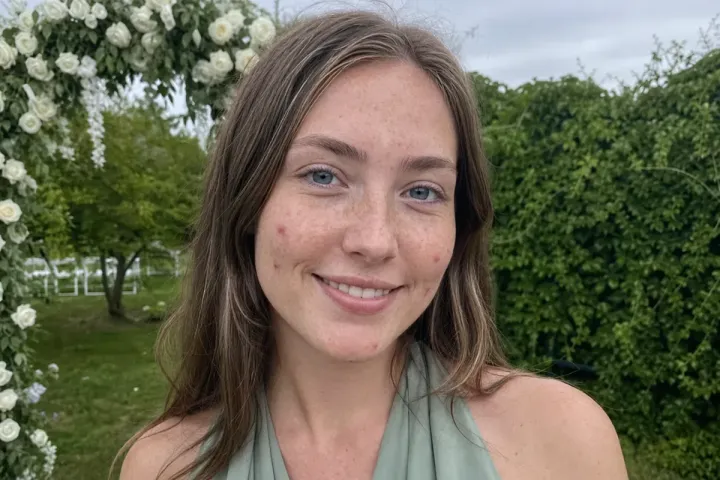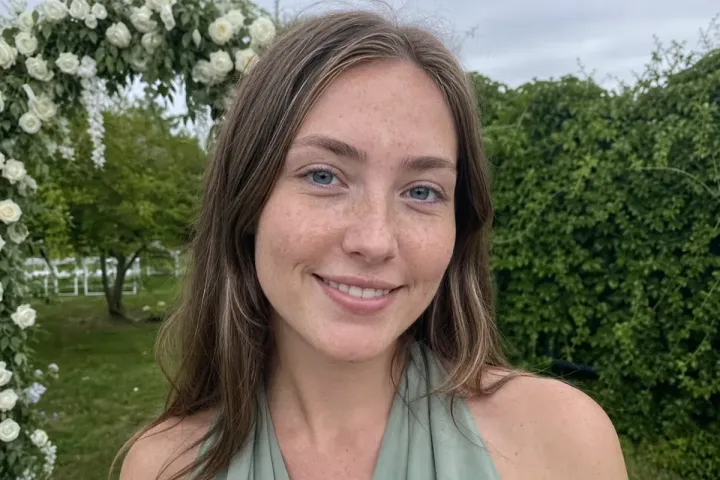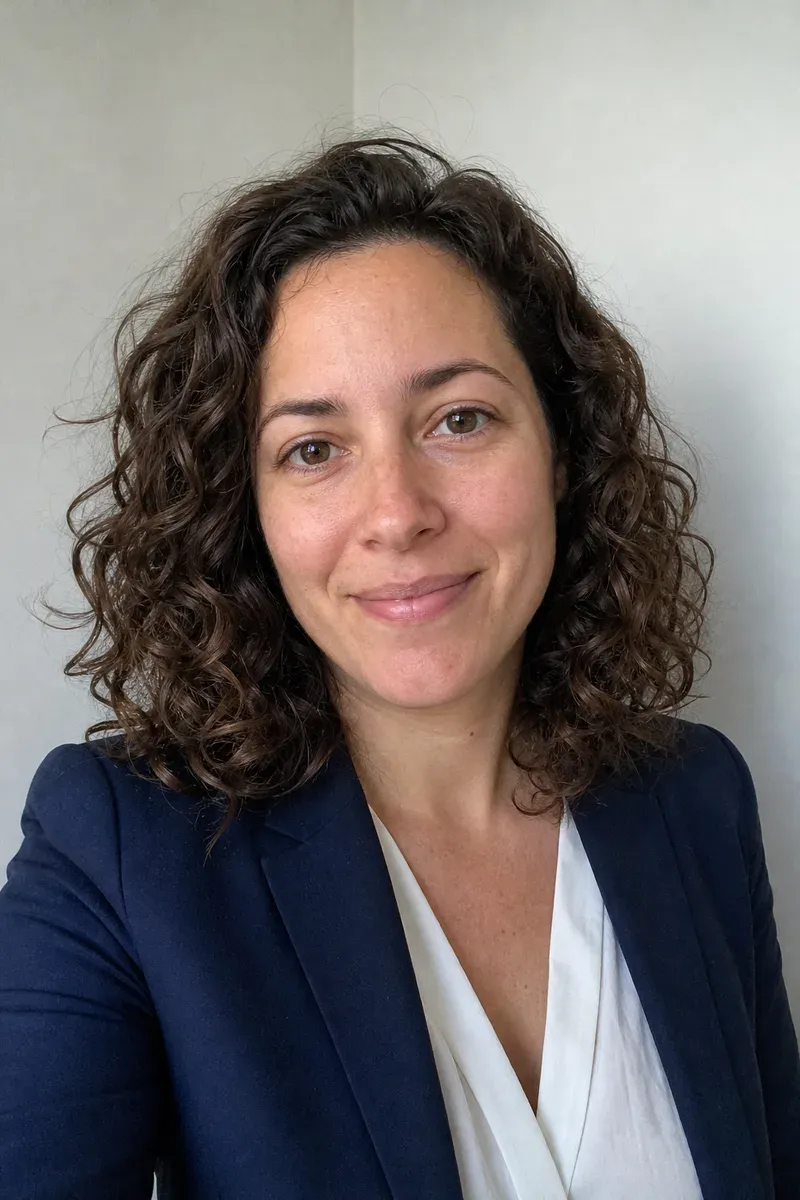
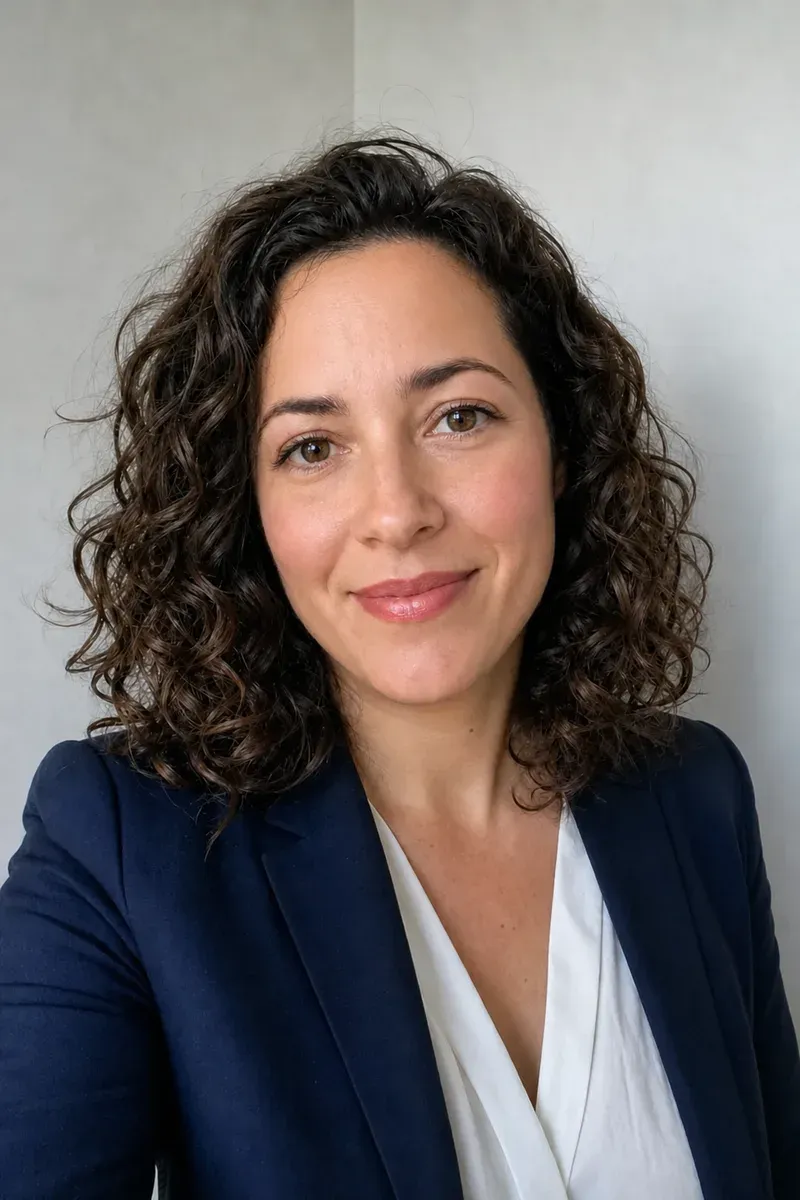
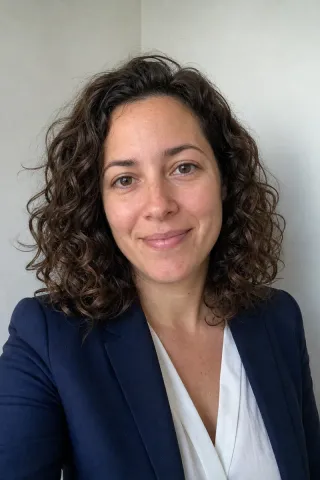
Adding makeup to a photo means painting on the color and definition that makeup would have given, such as lip color, blush, brows and lashes, while keeping the face, skin and hair the same. In this example, a woman with curly hair, in a navy blazer and white blouse, took a selfie against a plain wall to use as a headshot for work and as her dating profile photo. She was not wearing makeup that day and wanted the photo to look the way she does when she is going out.
What changed in this photo, and what stayed the same?
- Added: a soft rose lip color, light blush on the cheeks, and slightly darker brows and lashes.
- Evened: the skin tone, the way a light foundation would, so her freckles are lighter but still there.
- Kept: her face shape, eyes and smile, her curls, the blazer and blouse, and the wall behind her.
How natural should added makeup look?
The test is whether it looks like makeup she could have put on that morning. The editor matches lip color to her natural lip shape, keeps blush where cheeks naturally flush, and darkens brows within their own shape instead of drawing new ones. Skin is evened out, not smoothed into a mask: freckles are toned down only as much as a light foundation would cover them, and skin texture stays, because a sudden poreless face is what makes edited makeup obvious.
What kind of makeup can you ask for?
- Natural or everyday, as in this example: suits headshots, dating profiles and LinkedIn.
- Light makeup only, such as lip and cheek color, for a face that stays almost unchanged.
- Evening or event makeup with stronger eyes and lips is possible too. A reference photo of a look you like helps the editor match it.
What should you send?
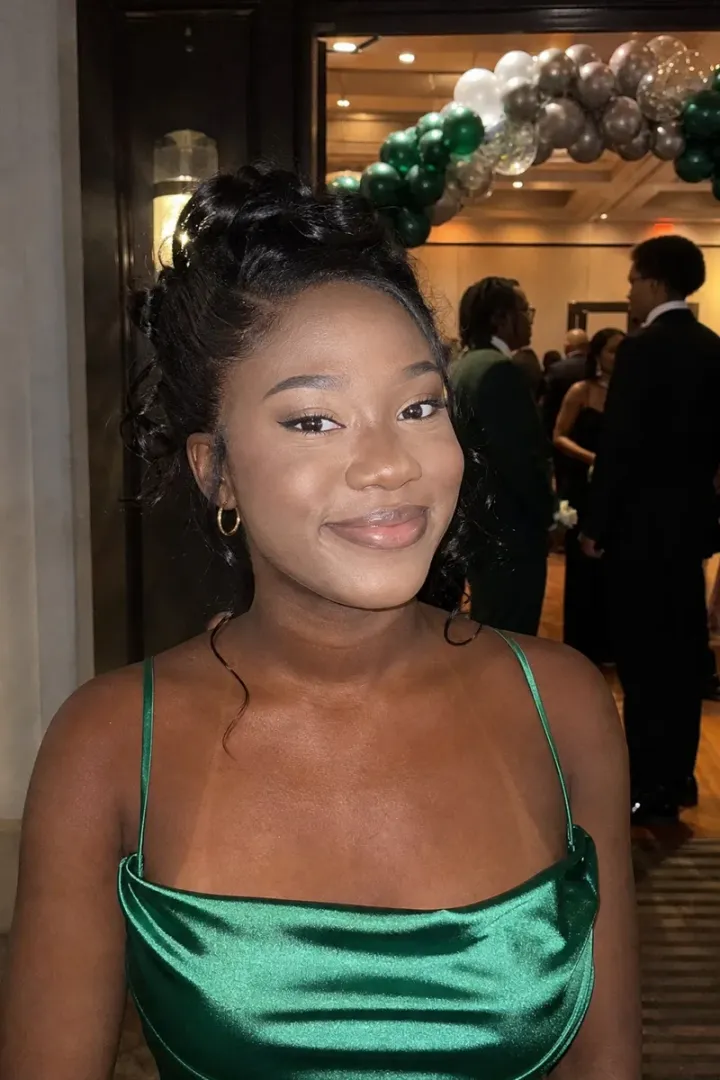
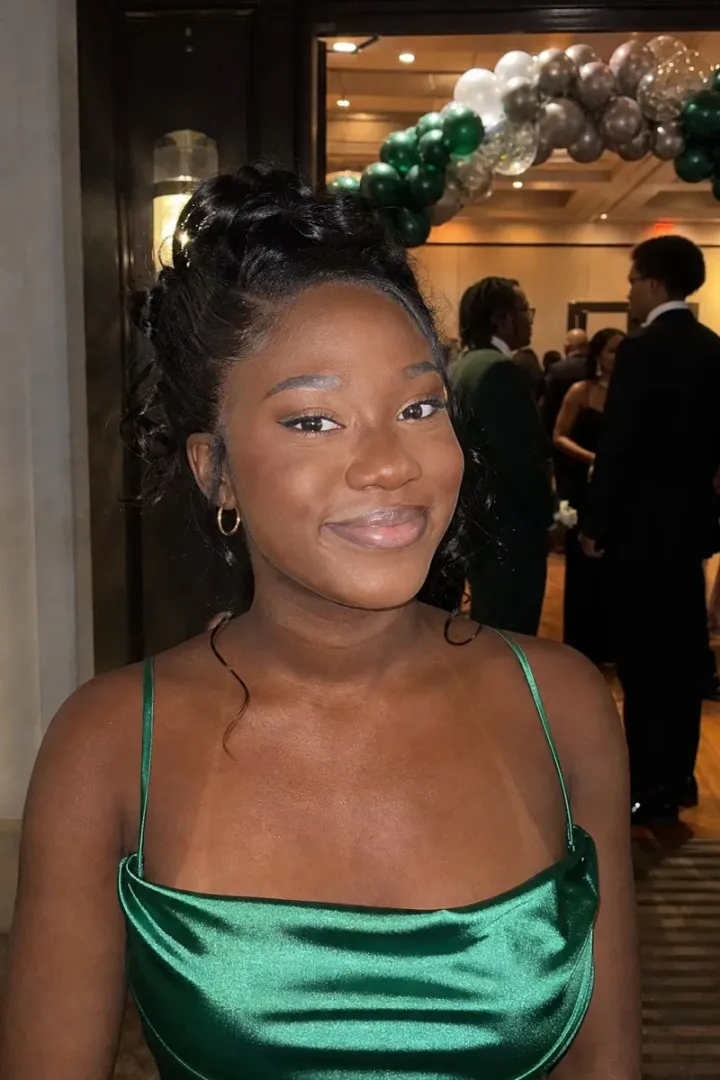
A clear, front-facing photo in its original size, and a sentence about the look you want. If you have a photo of yourself wearing your usual makeup, send it: it is the best guide to the colors that suit you.
To soften a single spot or scar as well, see remove blemishes from a photo. More beauty edits are under face and skin retouching.
Photos
-
 headshot.jpg
1 credit ($8)
- makeup.jpg Reference
1 photo to edit · 1 reference
Instructions
No makeup in this one. Can you add some, like in my other photo?
Private: recreated on our own images, not customer photos
The before/after shown here is recreated on images created or licensed for this site — never a real customer's photo. Your upload is seen only by the editor working on it, and the edit comes with free revisions within 14 days of delivery if anything needs adjusting.