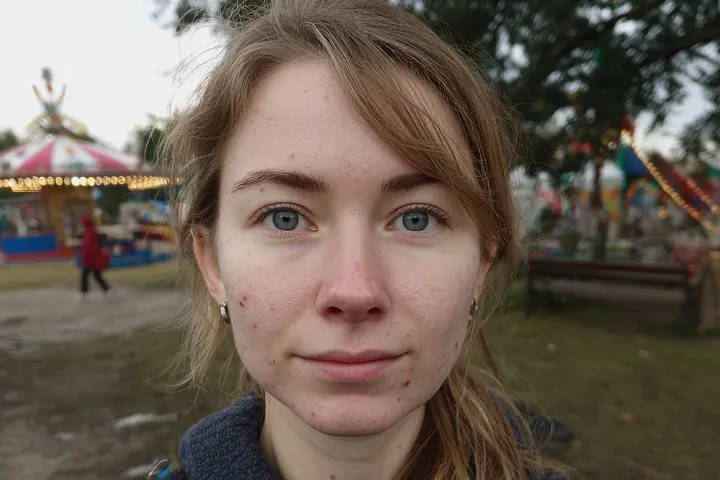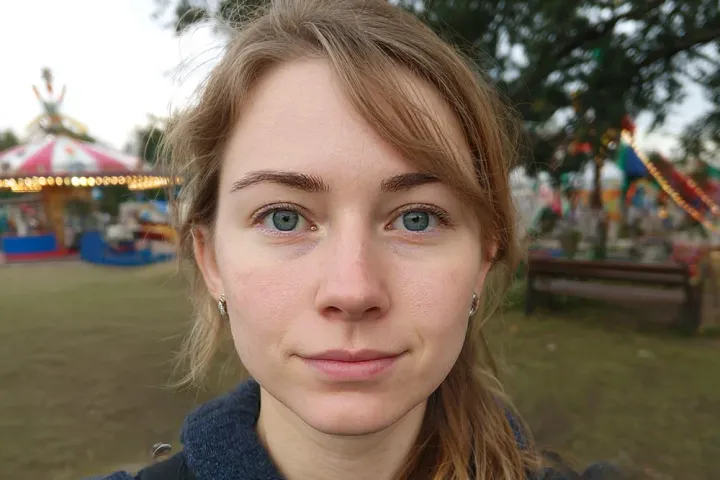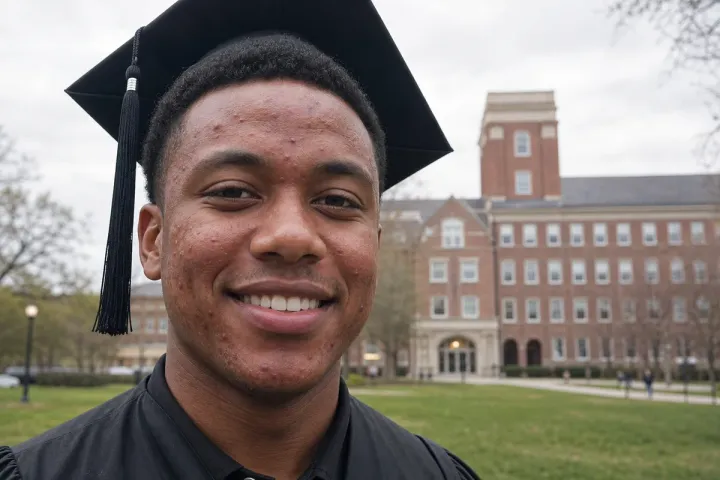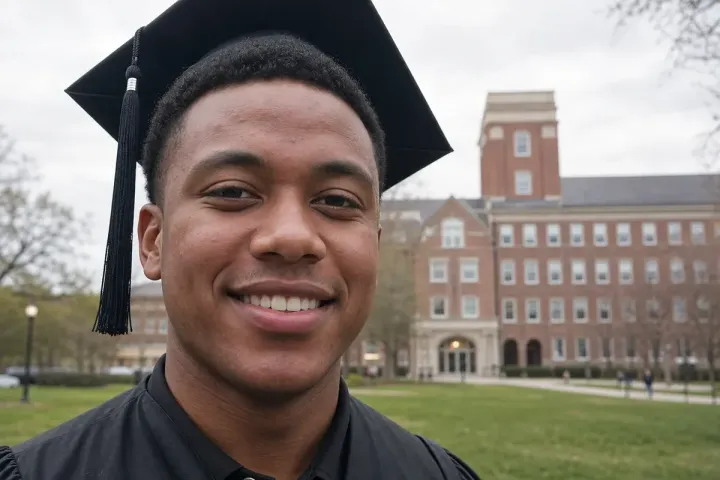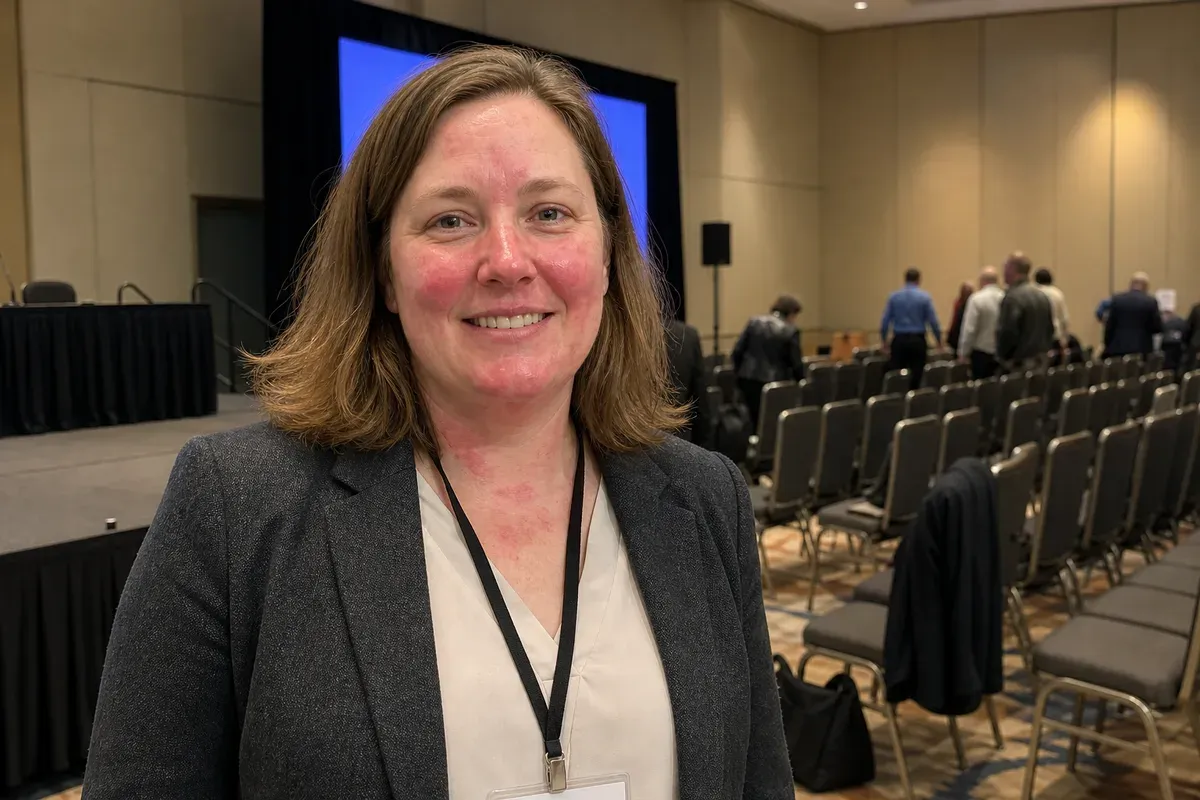

Evening out skin tone in a photo means reducing redness, blotches and uneven patches so the skin looks like one natural color, without changing the face or making it look painted. In this example, a woman in her mid-forties has just given her first talk at an industry conference, and a colleague takes her photo on a phone by the stage. She wanted it for her LinkedIn post about the talk, but nerves and hot stage lights left pink-red blotches across her cheeks, nose, forehead and neck.
What changed in this photo, and what stayed the same?
- Evened out: the flushing on both cheeks, around the nose, on the chin and forehead, and the red patches on her neck and upper chest.
- Kept: her eye color, smile, teeth and face shape, her hair, blazer, blouse and lanyard.
- Not touched: the stage, the blue screen, the rows of chairs and the people leaving the room.
Why does skin look redder in photos than in person?
Nerves, warm rooms, bright lights, a drink or two and cold wind all bring blood to the skin, and a phone camera tends to push reds further than the eye sees them. A flush that lasted ten minutes becomes the permanent color of the one photo you wanted to share. Calming it is one of the most common skin requests, and it often matters most on the neck and chest, where flushing shows up first.
How even is natural?
Real skin is not one flat color. Cheeks are slightly warmer, the nose a little pinker, and there is texture everywhere. The editor removes the patches that come and go, such as flushing and irritation, and keeps the variation that gives a face its shape. The aim is a face that looks calm, not retouched; if you want only the strongest patches toned down, say so.
What should you send?
- The original photo in full size.
- Which areas bother you (face only, or neck and chest too), and whether freckles, moles or birthmarks should stay.
- How strong the change should be: "just calm the redness" or "even it out completely".
For individual spots rather than overall redness, see remove blemishes from a photo. For a face that is too shiny rather than too red, see remove shine from a face. More under face and skin retouching.
Photos
-
 conference.jpg
1 credit ($8)
1 photo to edit
Instructions
My face got red and blotchy on stage. Can you even it out?
Private: recreated on our own images, not customer photos
The before/after shown here is recreated on images created or licensed for this site — never a real customer's photo. Your upload is seen only by the editor working on it, and the edit comes with free revisions within 14 days of delivery if anything needs adjusting.