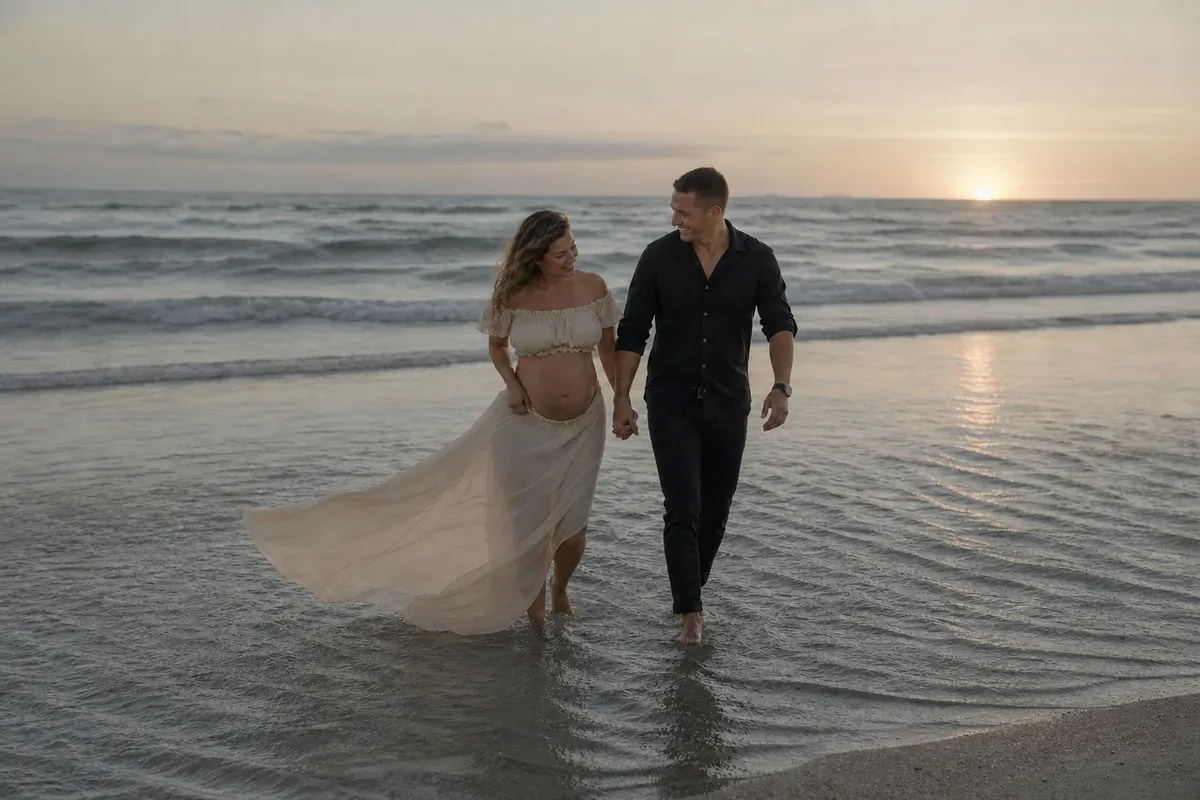
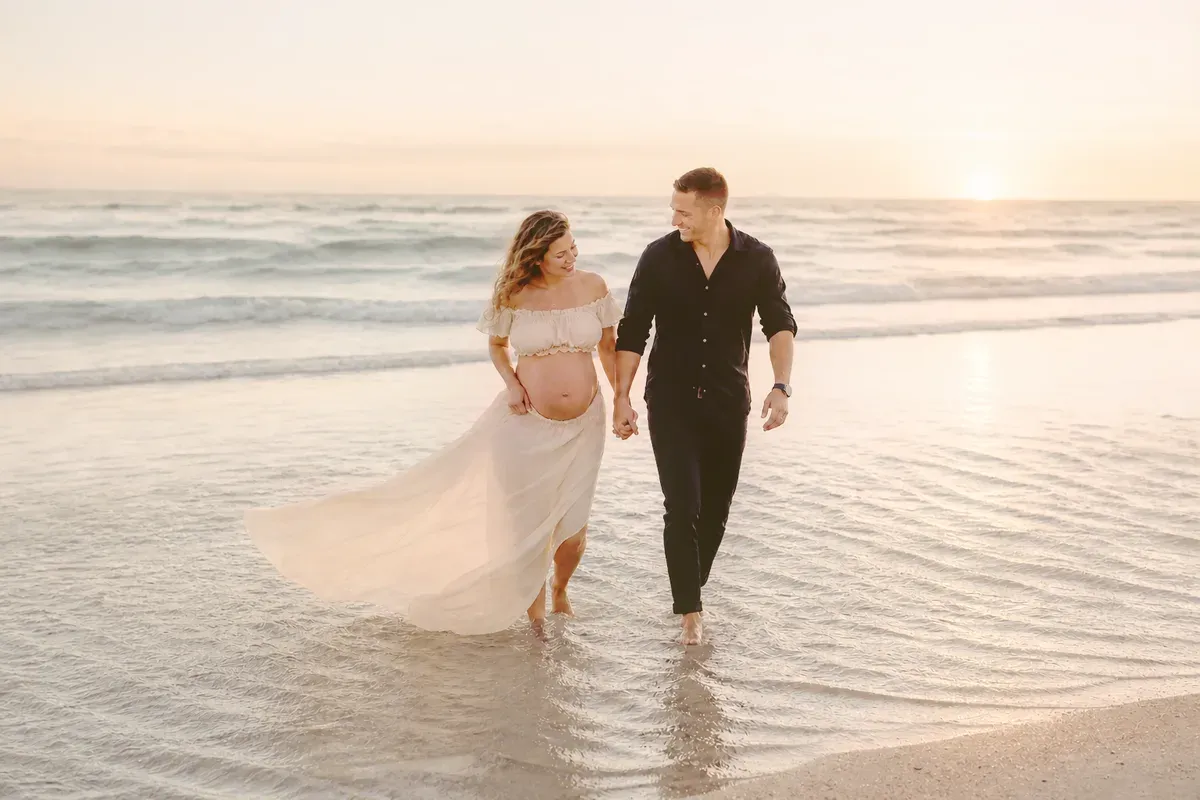
Color grading a maternity beach photo means turning a flat, cold-looking sunset frame into the warm golden light the evening really had, without changing anything in the picture. In this example an expecting couple walk hand in hand through the shallows at sunset, her long skirt lifting in the breeze. The camera read the scene as dim and blue-gray, so the sun is a small pale dot, the water is steel gray and the cream skirt looks dull.
What changed in this photo, and what stayed the same?
- Changed: the overall brightness, and the cold gray-blue cast, which becomes warm peach and gold. The sky, the water and her skirt pick up the glow of the low sun, and the shadows on his dark shirt are lifted so the fabric shows.
- Kept as shot: both faces and expressions, her skirt in the wind, their hands, the waves and ripples, and the sun and its reflection in the same place. Only color and brightness are remapped, so nothing is added, removed or moved.
Why do beach sunsets come out gray in photos?
With the sun low and behind the couple, the camera lowers the exposure to protect the bright sky, which leaves faces, water and clothing dark. Automatic white balance then cools the warm light it sees. The scene looked golden in person and comes out flat on the screen.
How warm should it go?
A human editor, with AI tools assisting where they help, sets the look in steps: exposure first, then warmth, then highlights and shadows separately so the sky glows while skin stays natural. Tell us if you want it light and airy or deeper and moodier, or send a reference photo whose colors you love. If you have a whole gallery from the same evening, say so and the grade is matched across it.
When is this the wrong fix?
A sky that is pure white has no detail left to bring back. If the sky is a dull gray and you want a real sunset, see outdoor maternity photo retouching, where the sky is replaced. For other color problems, see photo color correction.
What to upload
The original file from your camera or phone, not a screenshot or a filtered copy.
Photos
-
 beach.jpg
1 credit ($8)
1 photo to edit
Instructions
The sunset looked golden but the photo is gray and dark. Can you warm it up?
Private: recreated on our own images, not customer photos
The before/after shown here is recreated on images created or licensed for this site — never a real customer's photo. Your upload is seen only by the editor working on it, and the edit comes with free revisions within 14 days of delivery if anything needs adjusting.