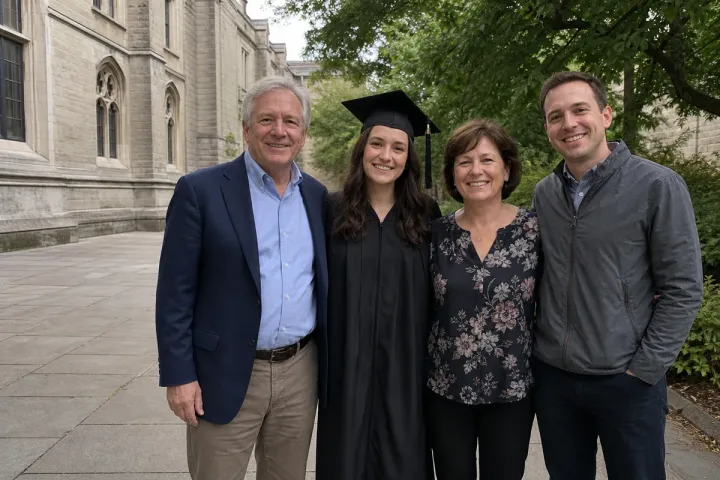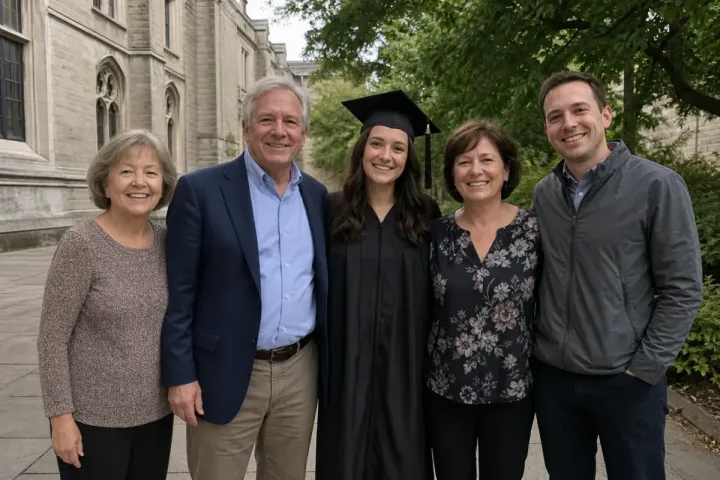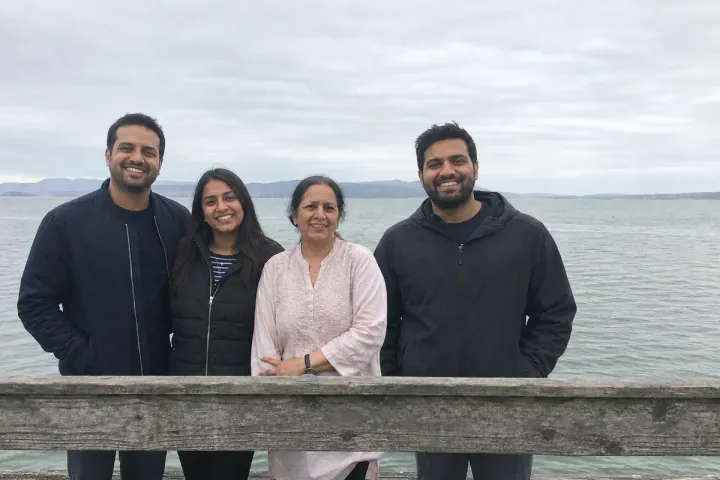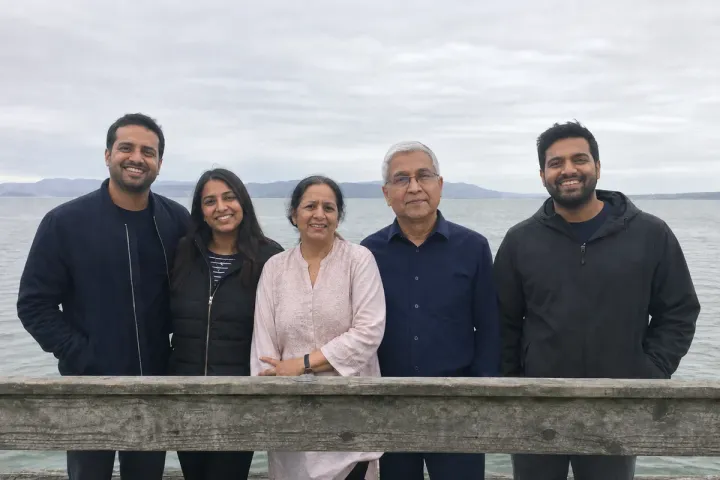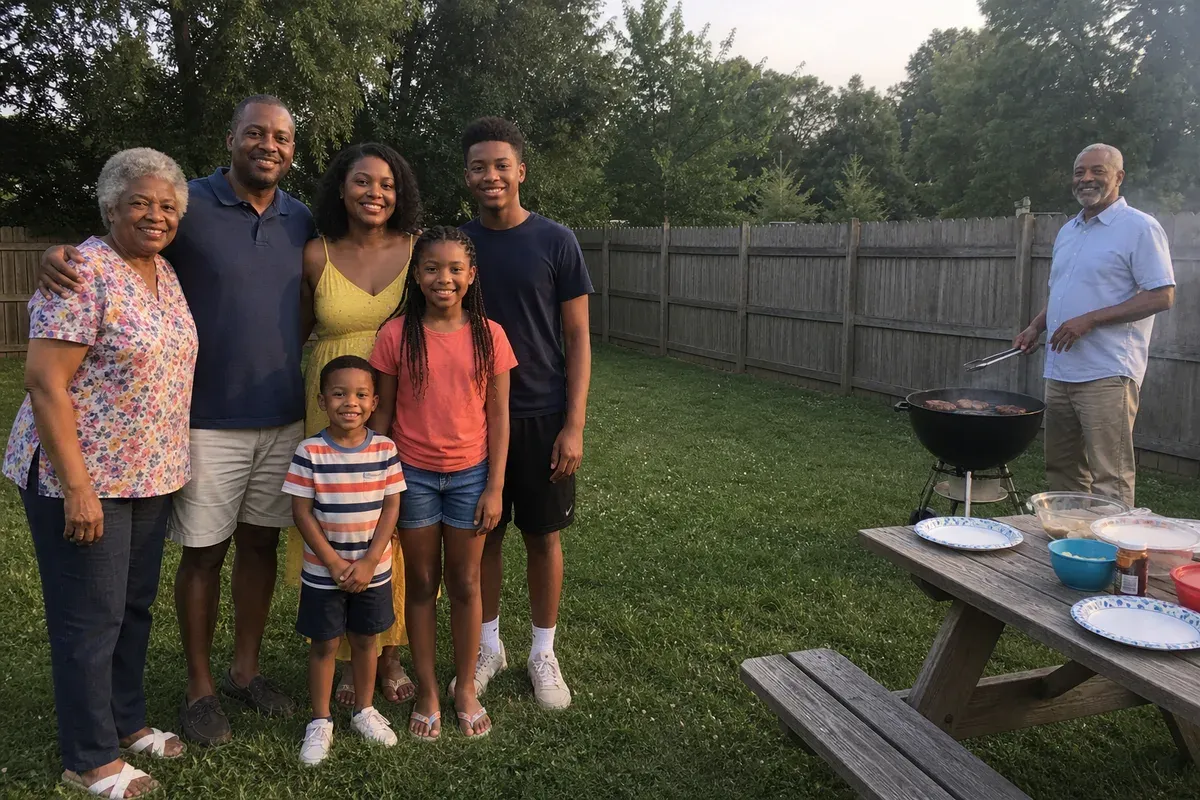
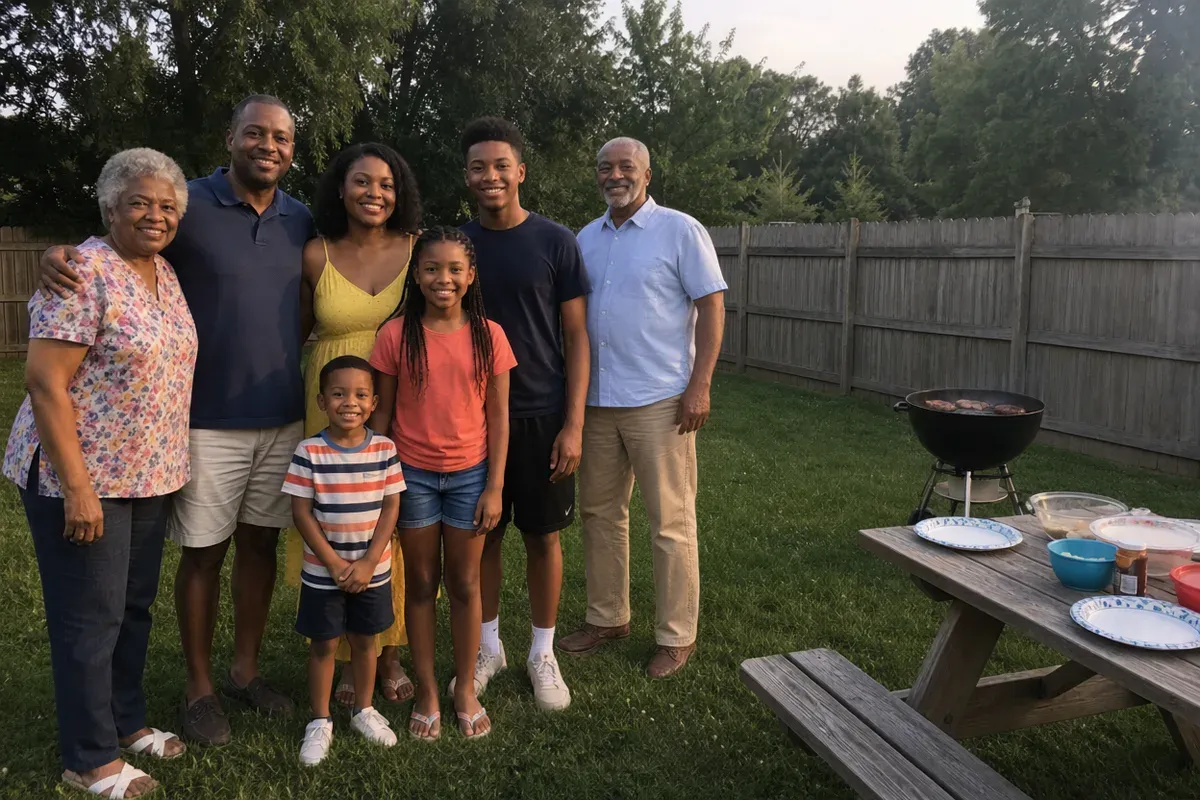
Moving a person in a photo means lifting them from where they stood, placing them beside the group, and filling in the spot they left. In this example, three generations of a family gathered for a summer evening barbecue in the backyard and posed on the lawn. The grandfather was still at the grill on the right edge, a few steps away, leaving a wide stretch of grass between him and everyone else. The family wanted a horizontal print for a frame, and cropping him out was not an option.
What changed in this photo, and what stayed the same?
- Moved: the grandfather from the grill on the far right to the end of the row, next to the teenage grandson, sized to match the people around him.
- Filled: the fence boards and the lawn where he had been standing, with a soft shadow under his shoes at the new spot.
- Kept: everyone's poses and clothes, the grill, the picnic table, the fence and trees, and the warm evening light. Faces were checked against the original; the grandfather's tongs and the smoke over the grill did not carry over.
Why not just crop the photo?
Cropping only works when the person at the edge is not needed. Here, the gap sat between two people the family wanted in the same frame, so any crop would cut someone out or leave the gap in place. Moving him also lets the print keep its original horizontal shape for a standard frame.
What makes a moved person look natural?
Distance changes size. If someone stood farther back, they look smaller and have to be scaled up as they move forward; here the grandfather stood a little behind the group, beside the grill, so he is brought forward to match the row. The editor also matches the shadow at his feet to the others, because feet without a shadow are the most common sign that someone was moved.
When is moving someone hard?
When the person overlaps another person, when part of their body is cut off by the frame edge, or when the background behind their old spot is busy, such as a crowd or detailed architecture. More photos taken at the same moment make the background repair much more reliable.
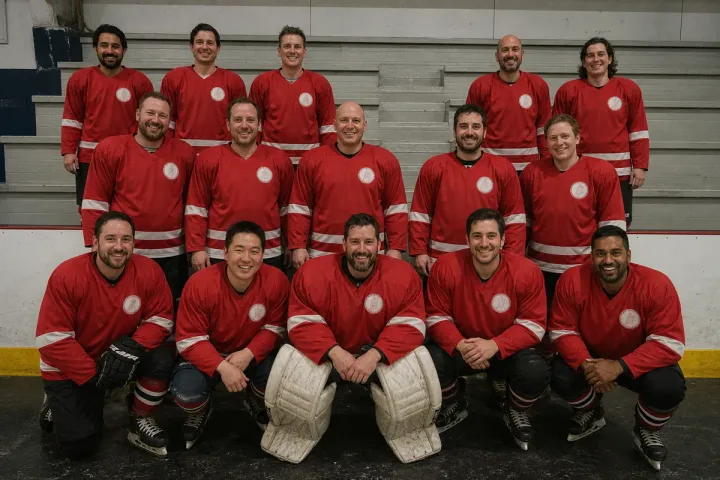
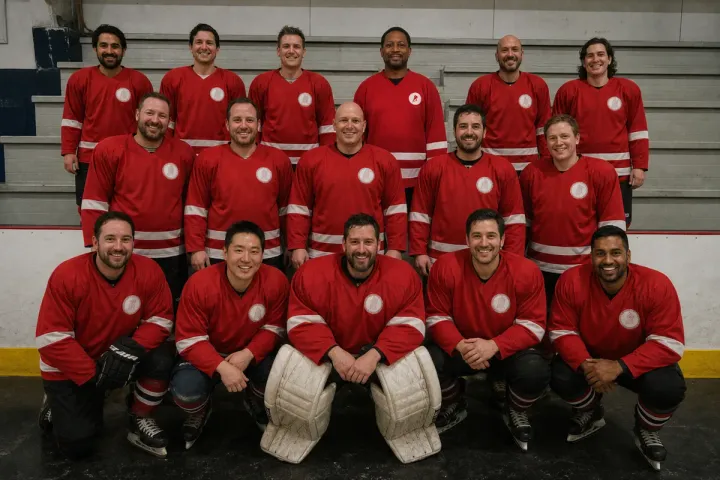
To add someone who was not there at all, see add a missing player to a team photo. To remove strangers from the same kind of photo, see remove strangers from a graduation family photo.
Private: recreated on our own images, not customer photos
The before/after shown here is recreated on images created or licensed for this site — never a real customer's photo. Your upload is seen only by the editor working on it, and the edit comes with free revisions within 14 days of delivery if anything needs adjusting.