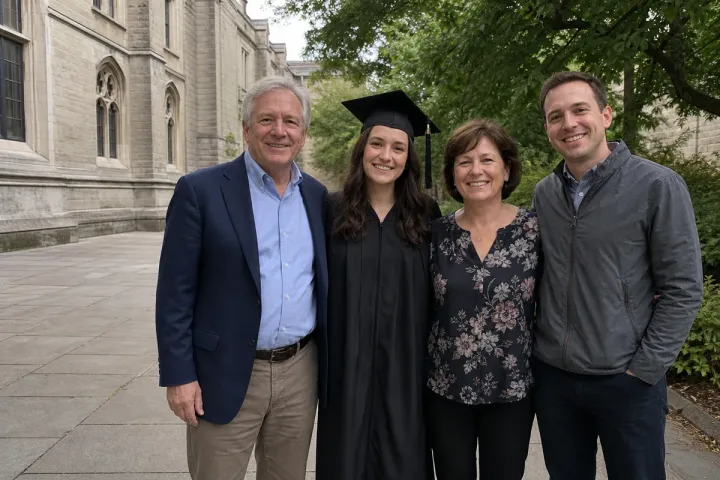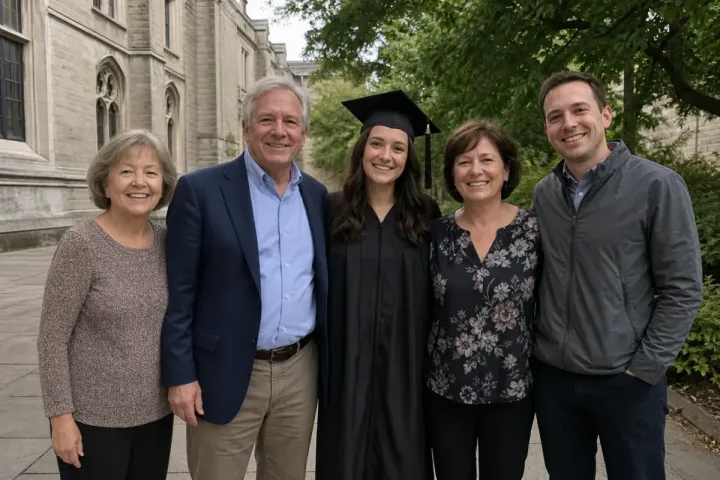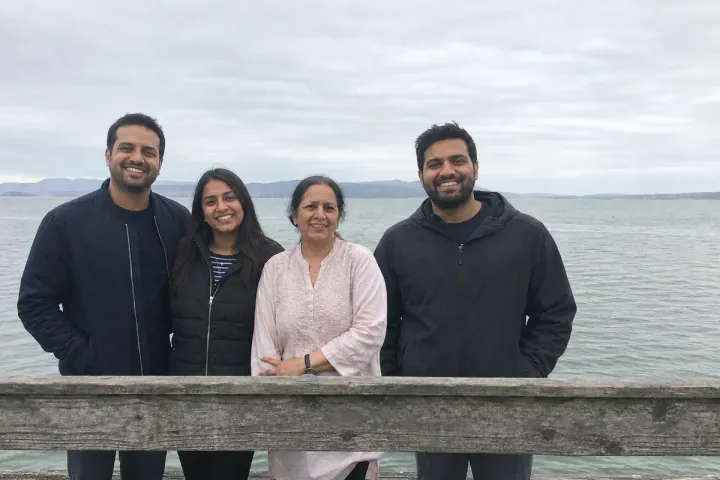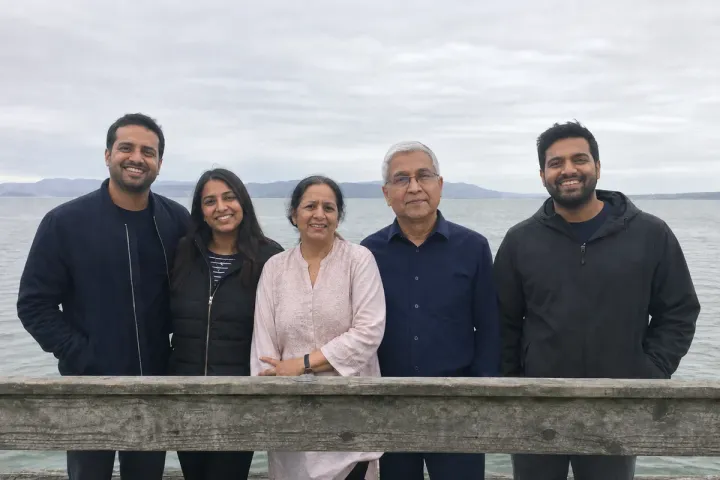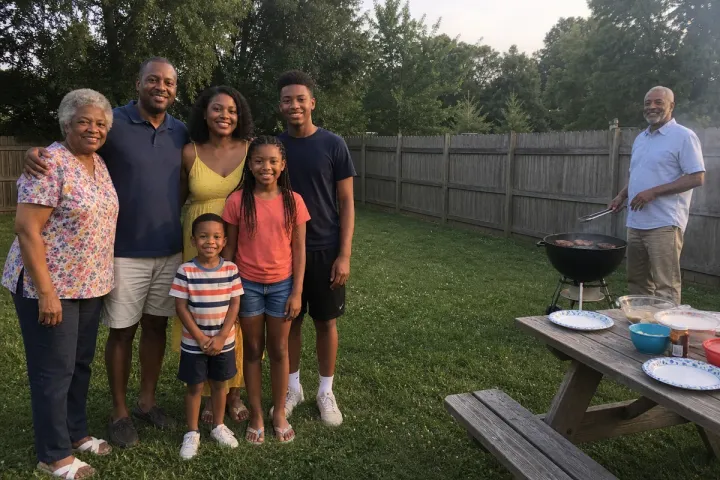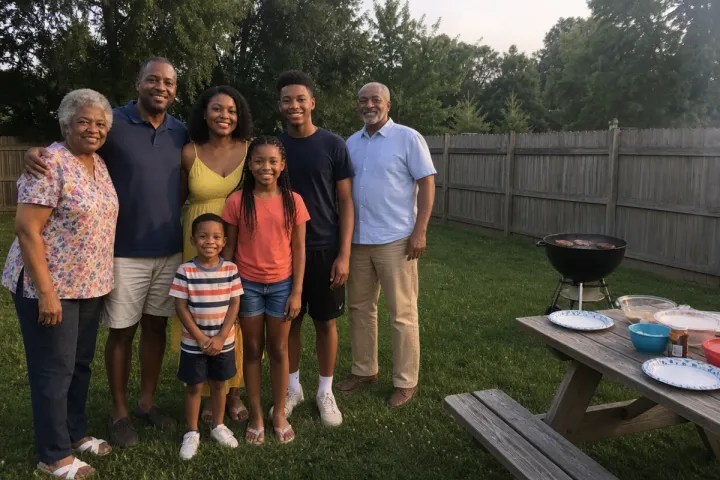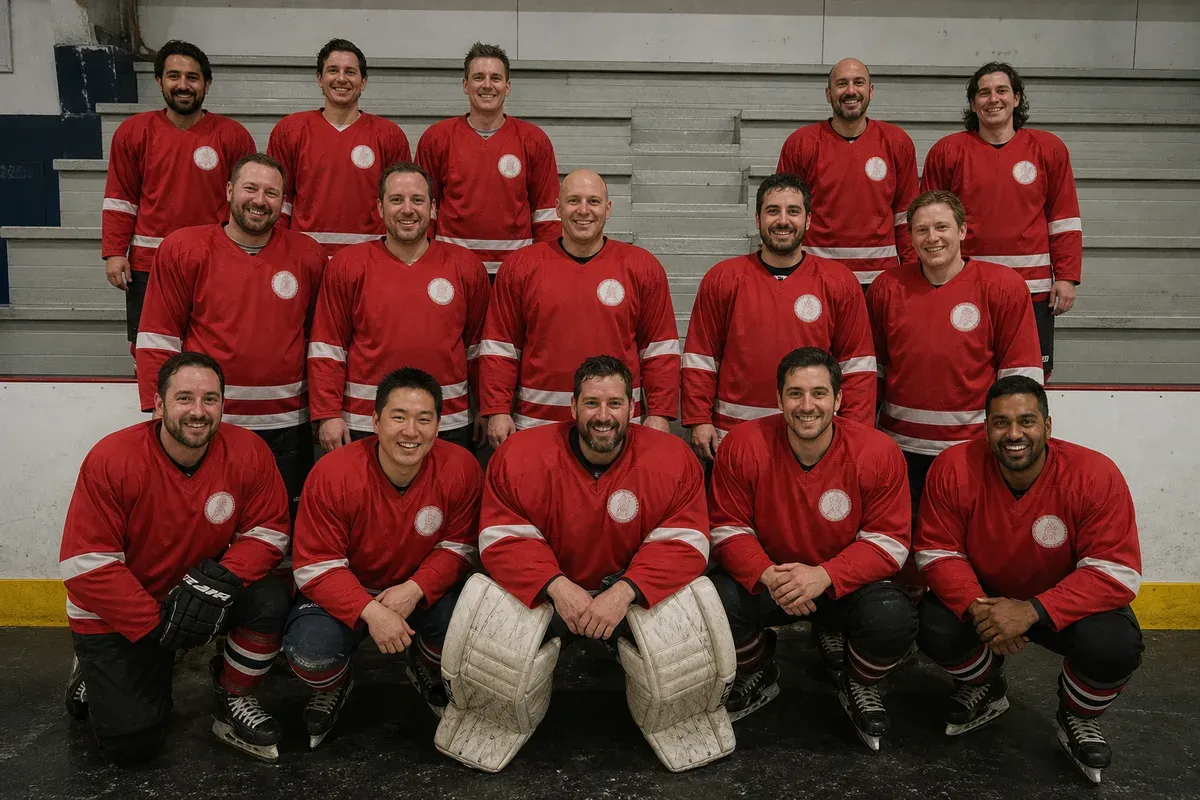
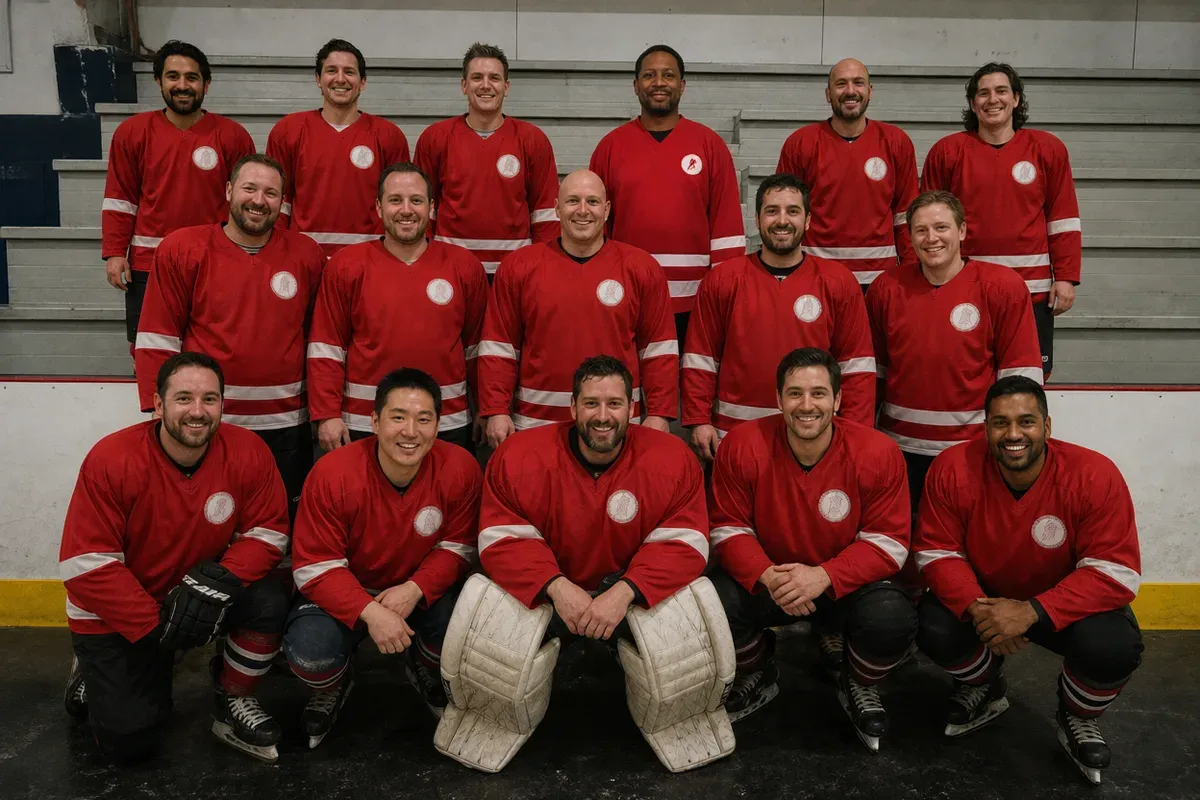
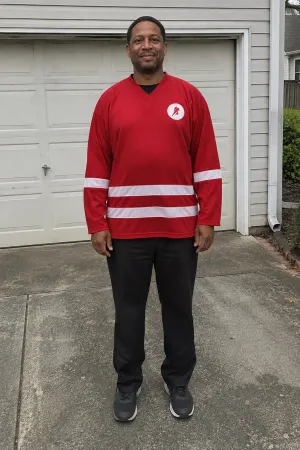
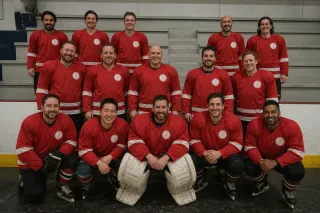
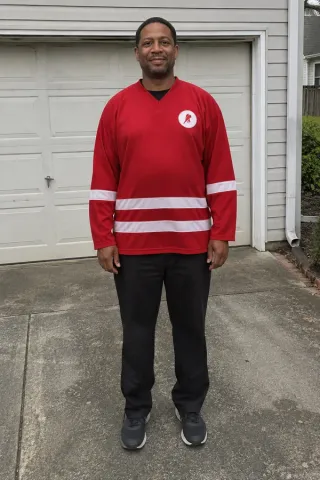
Adding a person to a group photo means cutting them out of a separate picture and placing them into the group so the light, size and clothing match everyone else. In this example, an amateur hockey team posed in three rows at the rink, but one player was away for work. The captain wants him in the back row for the end-of-season poster, so the editor used a separate photo of him in the team jersey.
What changed in this photo, and what stayed the same?
- Added: the missing player in the gap in the back row, scaled to the height of the players beside him.
- Matched: his jersey crest to the team's round crest with no number, the same as every teammate, and his skin tone and shadows to the rink light.
- Kept: all fifteen original players, their faces, gear and positions, the boards and the stands.
What makes an added person look like they were really there?
Three things give a composite away: a head that is too big or too small for the row, light coming from a different direction, and clothing that does not match. The editor checks the head size against the players on both sides, adjusts color so his red jersey is the same red, and adds a soft shadow where his body meets the bench behind him. Uniform details matter on a team photo: one player with a different crest or a number nobody else has looks pasted in at a glance.
What photo of the missing person works best?
- Standing upright, facing the camera, in the same uniform or outfit as the group.
- Taken in similar light (indoor rink light for an indoor team photo, not bright sunshine).
- Sharp and full resolution. A cropped screenshot from a video limits how large the final print can be.
When the group stood too far apart instead, see move a person closer in a group photo. To join two family photos taken on different days, see merge family photos. More examples are under add a person to a photo.
This example uses 2 photos you send: the team photo and Mike's photo. Both are edited into the result, so it is 2 photos, 2 credits. A photo you send only to show the editor something is free.
Photos
-
 team.jpg
1 credit ($8)
-
 mike.jpg
1 credit ($8)
2 photos to edit
Instructions
Mike missed photo day. Can you add him to the gap in the back row, in our team jersey?
Private: recreated on our own images, not customer photos
The before/after shown here is recreated on images created or licensed for this site — never a real customer's photo. Your upload is seen only by the editor working on it, and the edit comes with free revisions within 14 days of delivery if anything needs adjusting.