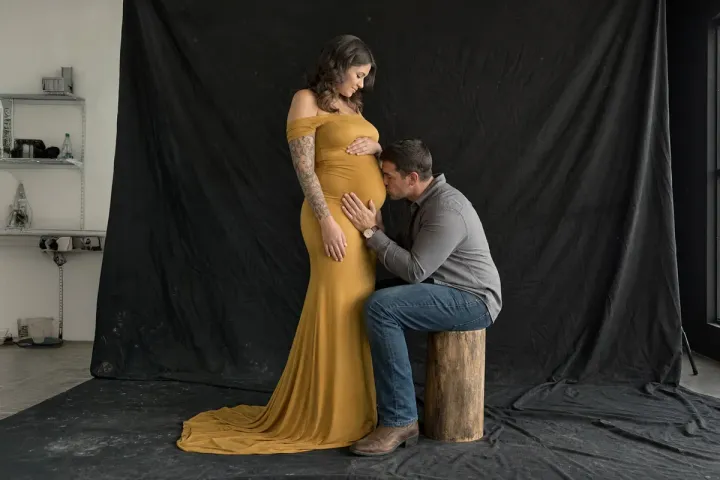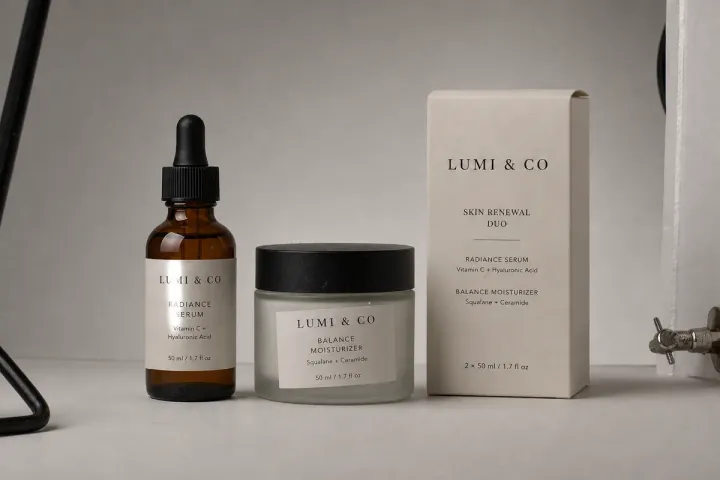

Delete Background Without Losing Quality
Ever tried deleting the background from a high-res photo and hit a wall?
You're not the only one. Most background remover tools have trouble with high-res images. For photographers, designers, and brands that rely on high-quality visuals, this isn't just inconvenient.
Most Background Removal Tools Shrink Your Image
If your photo is big, many tools just won't take it. Some quietly resize it behind the scenes. Others throw an error.
In a recent test we ran on July 26, 2025, using a high-res bike photo at 9295 × 6195 pixels, most tools failed to preserve the original resolution.
For example:
- remove.bg couldn't process the file due to its size limit of 5774 × 8660 pixels;
- Pixelcut.ai resized the image to 6000 pixels on the long edge;
- Photoroom.com reduced the output to just 2400 pixels wide, even with a paid Pro plan.
In every case, the image was downsized before any background removal began.
If you're working with large product photos or preparing files for print, that's a problem.
With our service, you can delete pic background at full resolution. We work from the original file you upload, at the resolution you shot it, and aim to return it at that size.
Why Clean Edges Still Matter
Plenty of tools can delete pic background fast, but speed doesn't always mean quality—especially around the edges.
You've probably seen it before. Hair ends up looking fuzzy. Soft fabrics lose their shape. The outline just sort of melts into the background. It might be fine if you're using the image as a small thumbnail, but once you need it for anything real, those flaws stand out.
At Tucia, we edit every photo with real human experts. Every background is manually removed by trained photo editors. Whether it's fine strands of hair or sheer clothing, the separation is clean, detailed, and reliable.
When Background and Subject Have Similar Tone
If the background is close in color to what someone's wearing, most tools start to struggle.
We've had photos where the subject blends right into the wall behind them—same tones, low contrast, soft shadows. In cases like that, AI tools often cut off parts of the subject or leave behind ghostly outlines. You can't really trust the result unless you double-check everything by hand.
This is where our team makes a real difference. We don't just rely on color contrast. Our editors look at how the light moves across the image, how edges taper off, and how different materials react. That extra attention helps us cleanly separate subject from background, even when the tones are nearly the same.
We Care Where Your Subject Goes Next
Even if you delete pic background perfectly, something can still feel off if the lighting doesn't match the new scene.
Let's say your original photo was taken in a dim room, and now you're placing the subject into a bright outdoor scene. Even if the background is gone, the shadows and color tone on the person still say “indoor shot.” The mismatch throws off the whole composition.
That's why we don't just stop at removing the background. If you know what kind of scene the subject is going into, we can fine-tune the lighting, shadows, and tones to make it feel like it was taken there. You don't need to explain it technically—just show us what you're working with. We'll take care of the rest.
It's Not Just About the Cutout
Most people searching how to delete pic background aren't just looking for a transparent file.
They want a product photo that feels clean and polished. Or a headshot that looks good enough for a client-facing page. Or maybe they're prepping assets for print and need everything to hold up in large format.
At that point, it's not just about cutting something out—it's about whether the result is ready to be seen.
That's the standard we work toward. Every image we deliver is meant to be used, not fixed after the fact.
What to upload
Send the original file exactly as you shot it, at full resolution, because we do not resize or compress it. If the subject is heading into a new scene, describe it or add a photo of that scene as a reference so we can match the light and shadows. Mention any edges to keep, such as loose strands of hair.
Photos
-
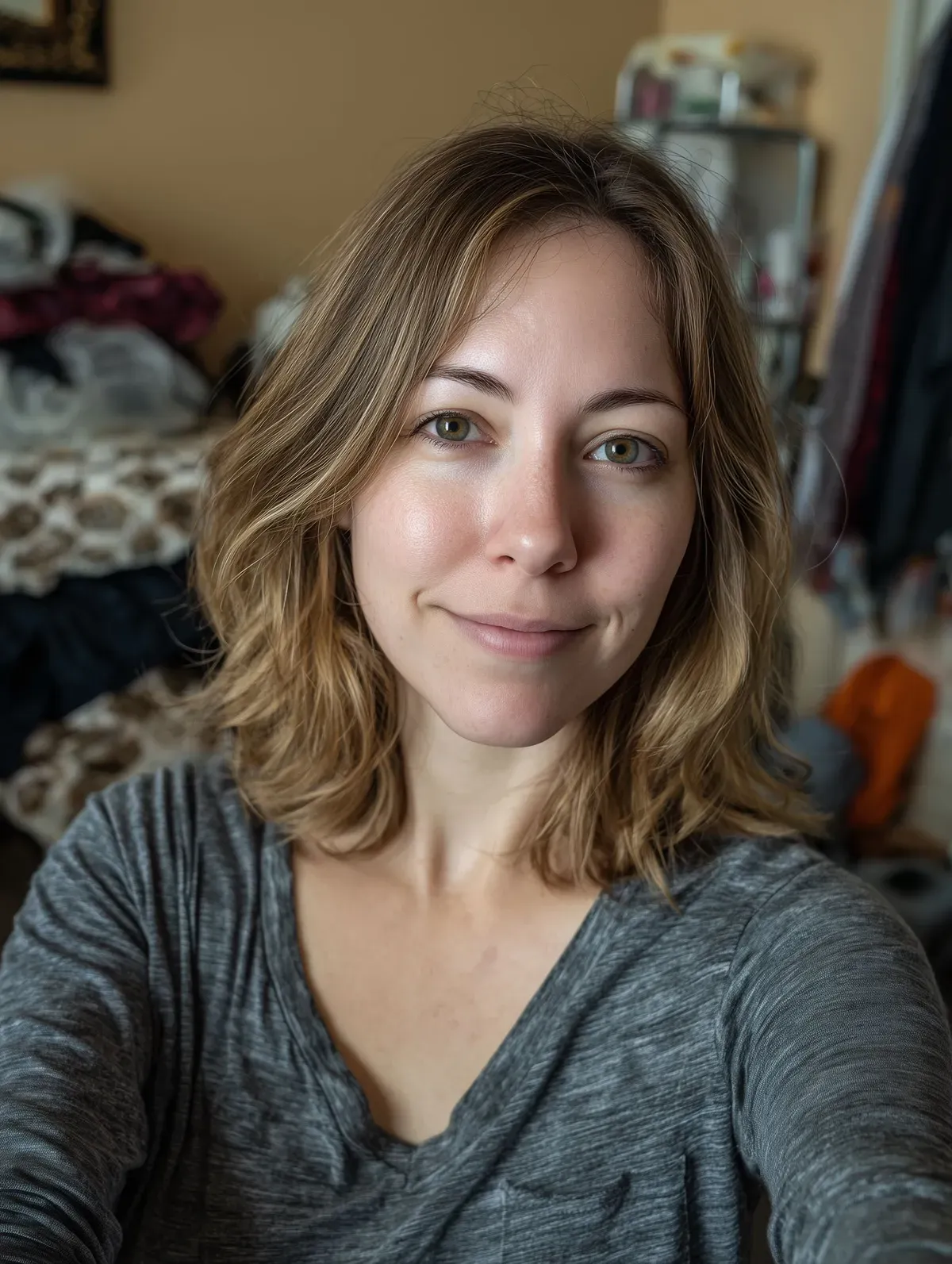
 selfie.jpg
1 credit ($8)
1 photo to edit
Instructions
Can you remove the background for our team page?
Final Note
If you've tried free tools and got poor results, it's not on you. Most tools just aren't built for serious work.
We are. Try us on your next photo that matters. We'll help you delete pic background the right way—with precision, care, and no shortcuts.
Private: recreated on our own images, not customer photos
The before/after shown here is recreated on images created or licensed for this site — never a real customer's photo. Your upload is seen only by the editor working on it, and the edit comes with free revisions within 14 days of delivery if anything needs adjusting.