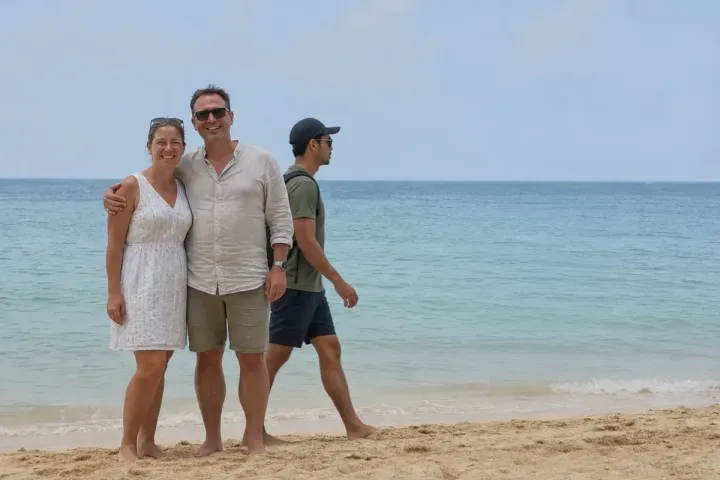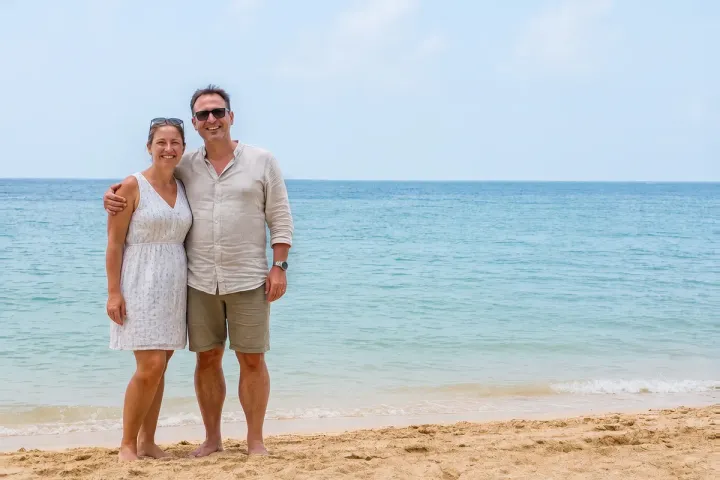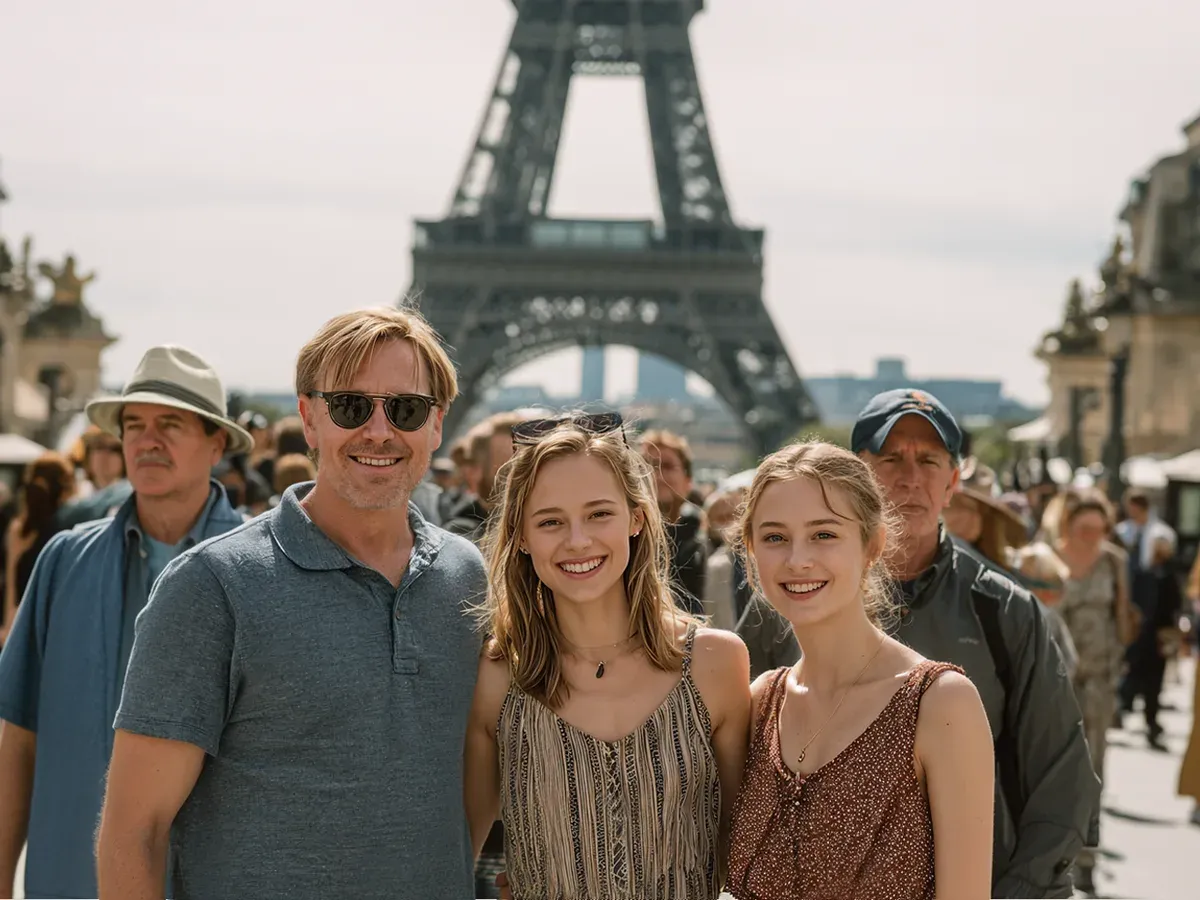
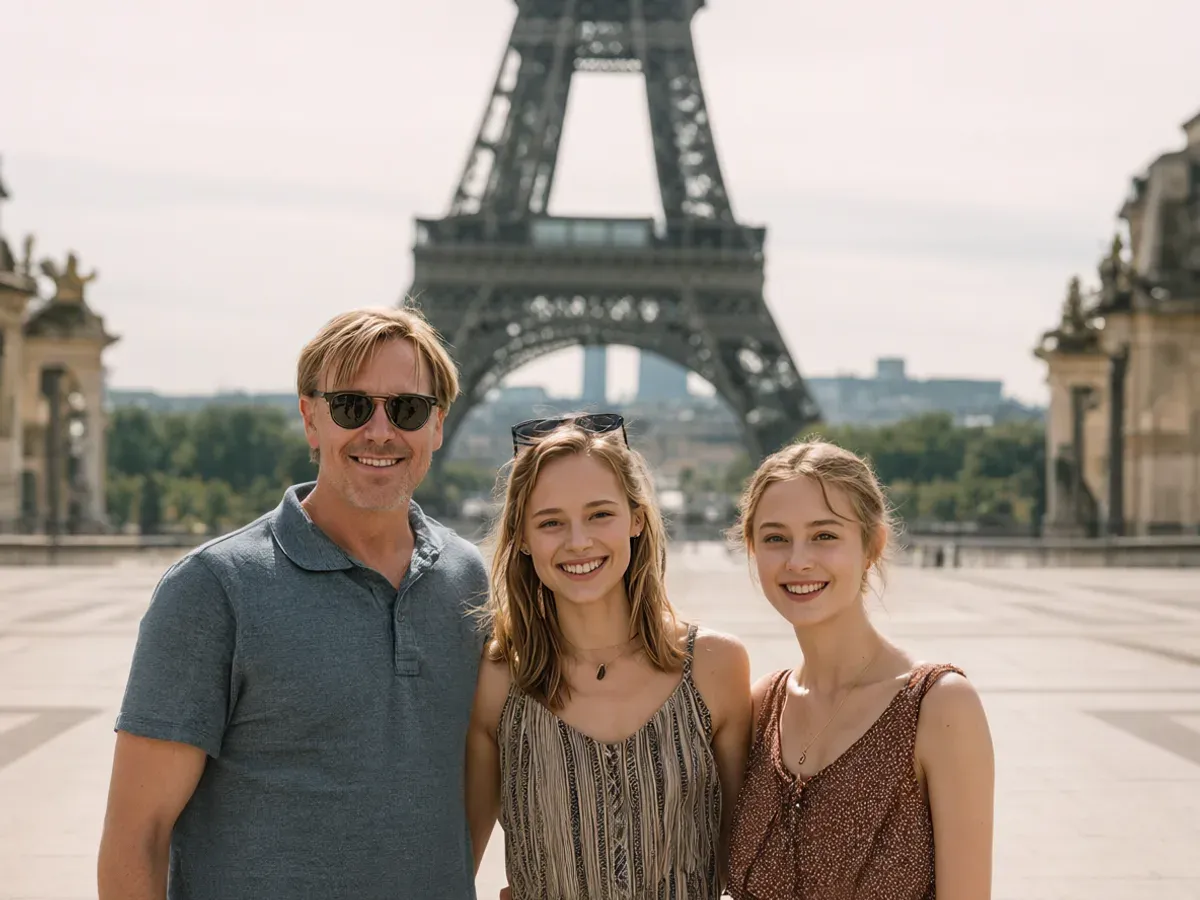
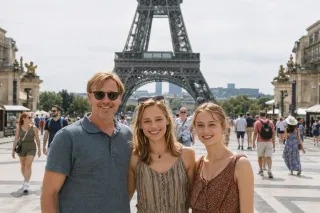
Removing tourists from a photo means erasing the strangers behind you and rebuilding the background they covered, so the people you traveled with are the only ones left. In this example, a father and his two daughters smile in front of the Eiffel Tower on an overcast day. The plaza behind them is packed with other visitors, and this is the shot the family wants printed for their holiday album.
What changed in this photo, and what stayed the same?
- Removed: every tourist behind and beside the family, including the two men standing at the left and right edges.
- Rebuilt: the paving, the trees and the far end of the plaza that the crowd was hiding.
- Kept: the three faces, sunglasses, clothes and hair, the tower, the stone pillars, and the flat gray sky. The weather was not changed to blue sky.
How does an editor clean up a crowded travel photo without it looking fake?
The hard part is not deleting people but deciding what belongs in the gap. The editor follows the lines that are still visible, such as the edge of the plaza and the row of trees, and keeps the same haze and light so the empty area matches the rest of the frame. Keeping the original sky matters: a sudden blue sky on a gray day is the first thing that makes a cleaned-up photo look edited.
When is a tourist hard to remove?
- A stranger overlapping your shoulder, hair or hand: the edge has to be redrawn by hand, and very large overlaps may need a second photo from the same spot.
- A crowd hiding most of a landmark: the missing parts can be rebuilt from other photos you took there, but not invented from nothing.
- Tiny, blurry people far in the distance are usually easy; people at the same size as you take the most work.
What photos should you send?
Send the original file from your phone or camera. If you took several shots at the same spot, include them: a frame where the crowd moved gives the editor real background to use instead of a guess.
For beach shots, see remove people from beach photos. Other edits of this kind are under remove a person from a photo.
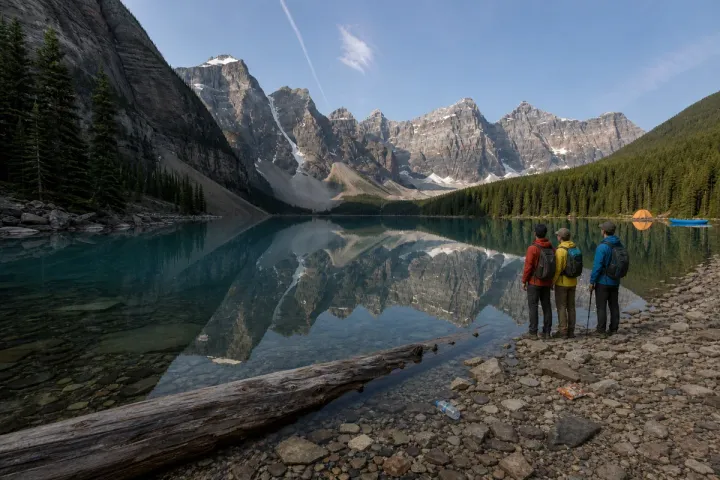
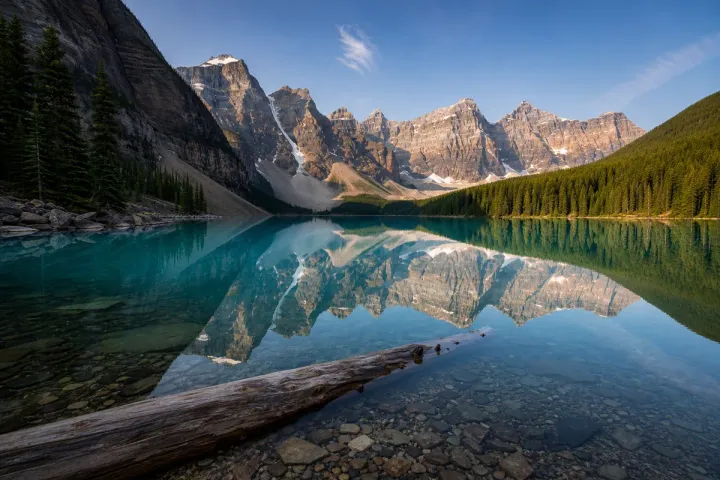
This example uses 2 photos you send: the main shot and a second shot from the same spot, which the editor uses to rebuild the background behind the tourists. Both are edited into the result, so it is 2 photos, 2 credits. A photo you send only to show the editor something is free.
Photos
-
 crowd.jpg
1 credit ($8)
-
 same-spot.jpg
1 credit ($8)
2 photos to edit
Instructions
Can you remove the tourists behind us? The second pic is from the same spot.
Private: recreated on our own images, not customer photos
The before/after shown here is recreated on images created or licensed for this site — never a real customer's photo. Your upload is seen only by the editor working on it, and the edit comes with free revisions within 14 days of delivery if anything needs adjusting.