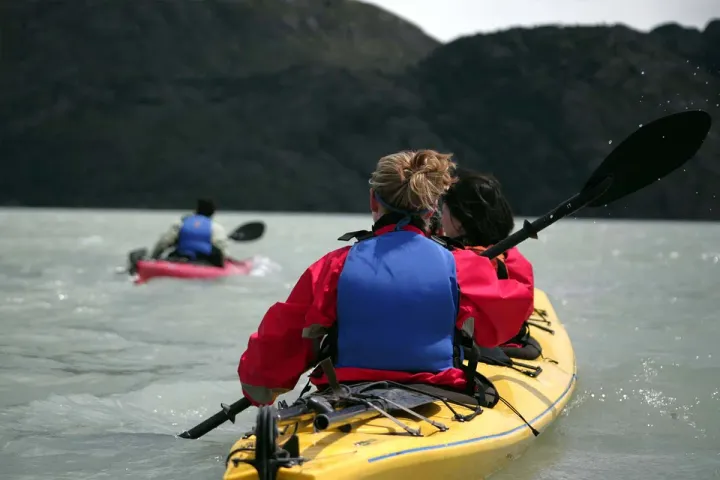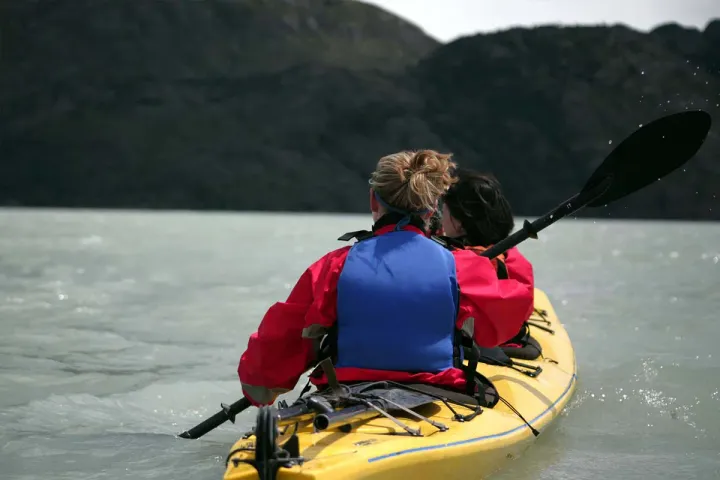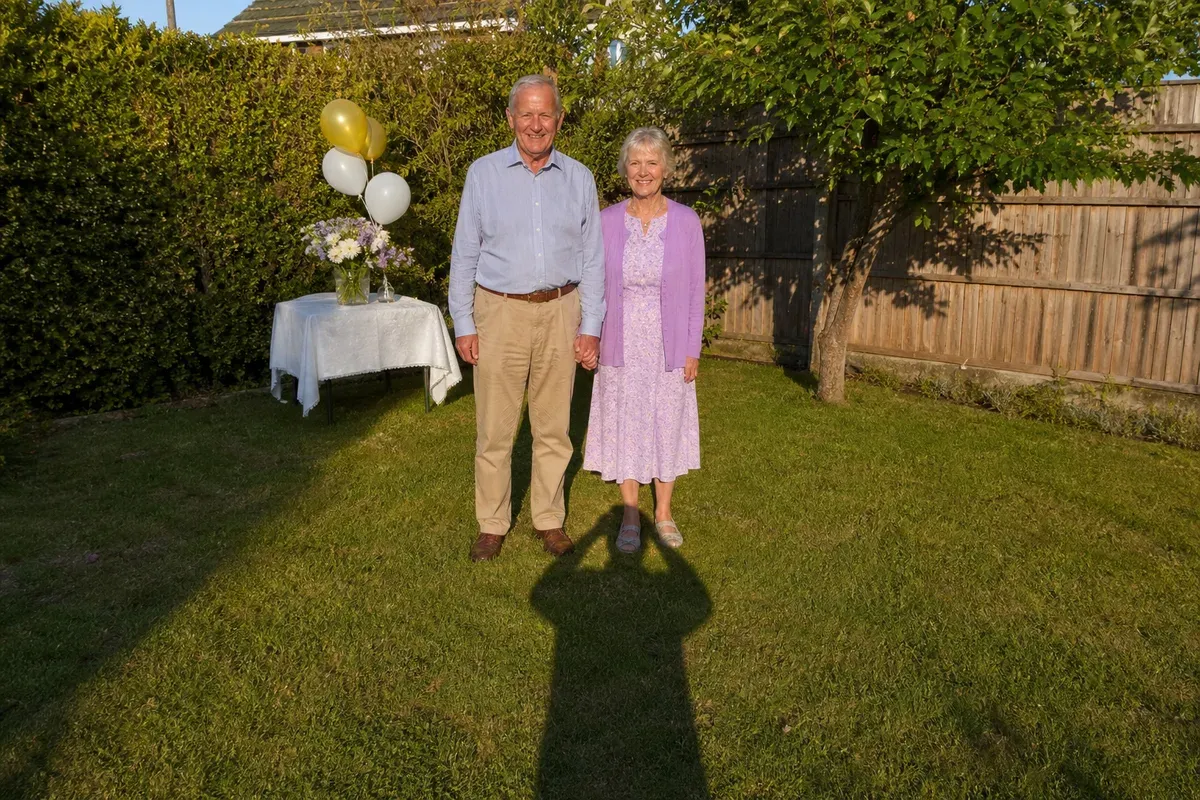
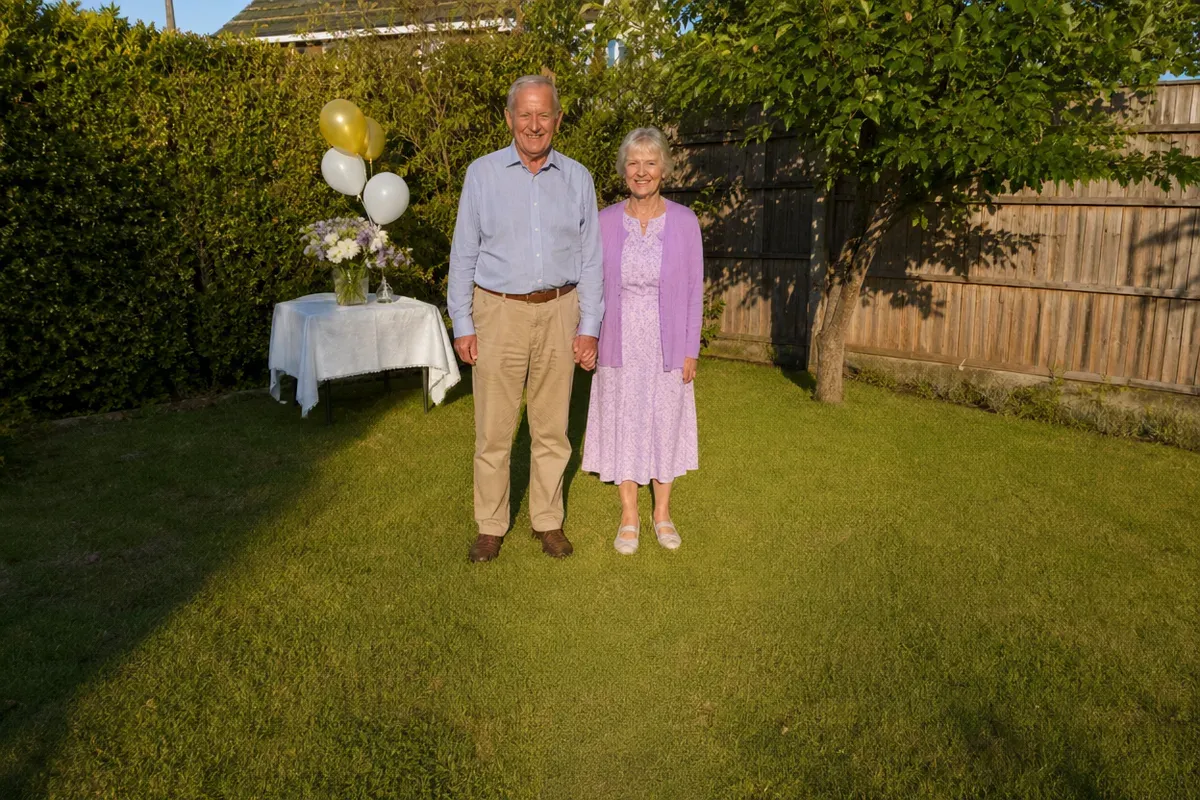
Removing your shadow from a photo means erasing the outline of the person holding the camera and rebuilding the ground underneath, while every other shadow in the scene stays. In this example, a grandfather and grandmother hold hands at their 50th wedding anniversary party in the backyard. The sun was low and behind their daughter as she took the picture, so her own shadow (head, shoulders and raised phone) stretches across the lawn right up to their feet. It is the photo the family wants to frame for them.
What changed in this photo, and what stayed the same?
- Removed: the photographer's shadow, from the bottom edge of the photo to the couple's shoes.
- Rebuilt: the grass under the shadow, in the same evening light as the rest of the lawn.
- Kept: the couple, their faces, clothes and pose, the shade from the hedge across the left side of the lawn, and the table, flowers and balloons behind them.
Why does the photographer's shadow end up in the picture?
When the sun is low and behind you, it lights your subject's face nicely, and it also throws your own shadow forward, toward the people you are photographing. Late afternoon, beaches, snow and paved squares make it worse, because the shadow is long and the ground is bright. Customers usually notice it only later, on a bigger screen.
Why keep the other shadows?
The shade from the hedge on the left and the soft shadows under the couple's shoes show where the light comes from. If every shadow were removed, the garden would look flat and the two of them would look pasted onto the lawn. So only the shadow you point out is taken away, and the light in the rest of the photo is left as it was.
When is the photographer's shadow hard to remove?
- When it falls across a face: the skin under it has to be relit to match the rest of the face.
- When it crosses a detailed surface, such as text on a sign or a patterned rug, that has to be redrawn line by line.
- When it covers most of the frame, so there is little clean ground nearby to continue from.
What should you send?
The original photo from your phone or camera, and a short note such as "remove my shadow at the bottom". If you took another shot a few seconds later from a slightly different spot, include it: real grass or paving is always better than a rebuilt one. If we use the grass or paving from that shot in the finished image, it counts as a photo to edit too, so 1 more credit. A shot we only look at is free.
For people walking through your shot, see remove people from beach photos. More under remove a person from a photo.
Photos
-
 backyard.jpg
1 credit ($8)
1 photo to edit
Instructions
Can you remove my shadow on the grass in front of them?
Private: recreated on our own images, not customer photos
The before/after shown here is recreated on images created or licensed for this site — never a real customer's photo. Your upload is seen only by the editor working on it, and the edit comes with free revisions within 14 days of delivery if anything needs adjusting.