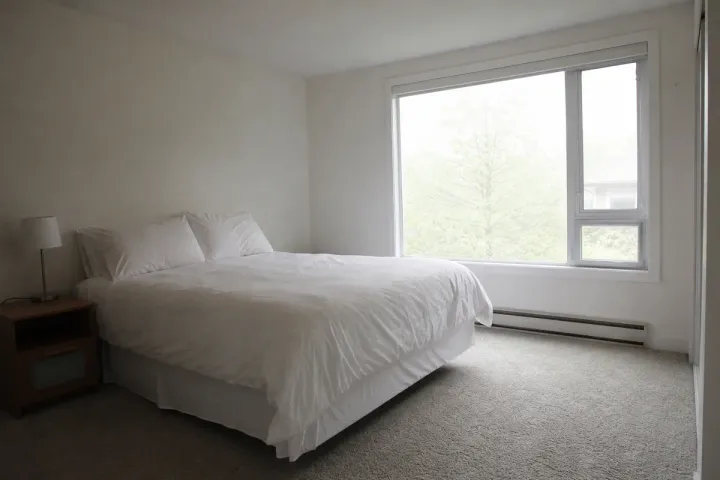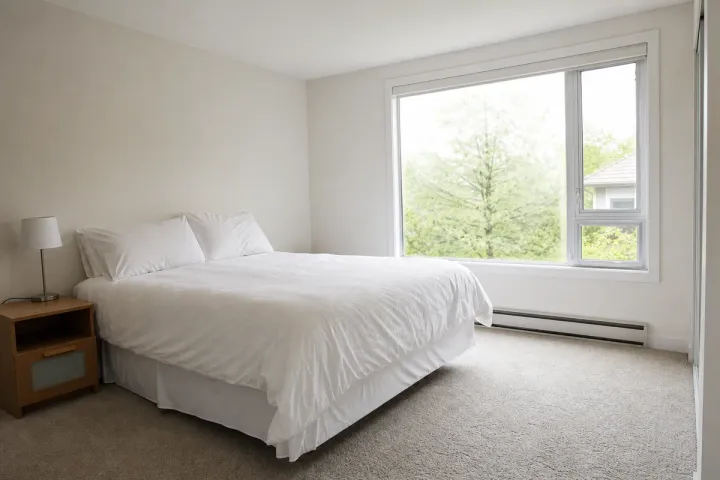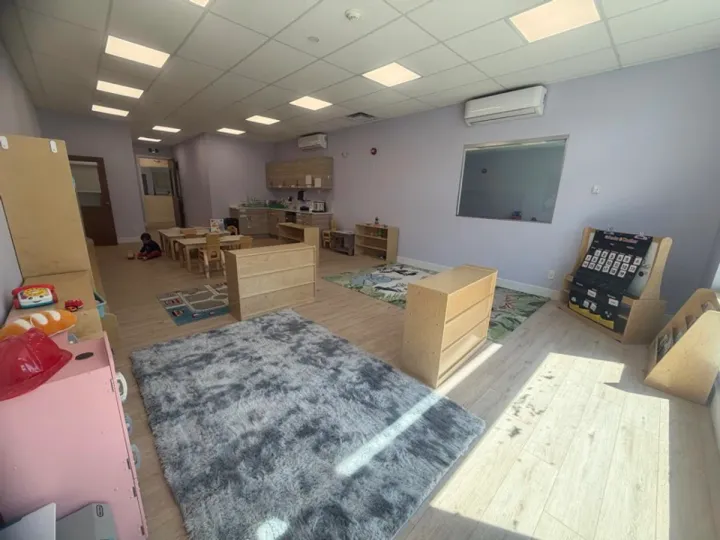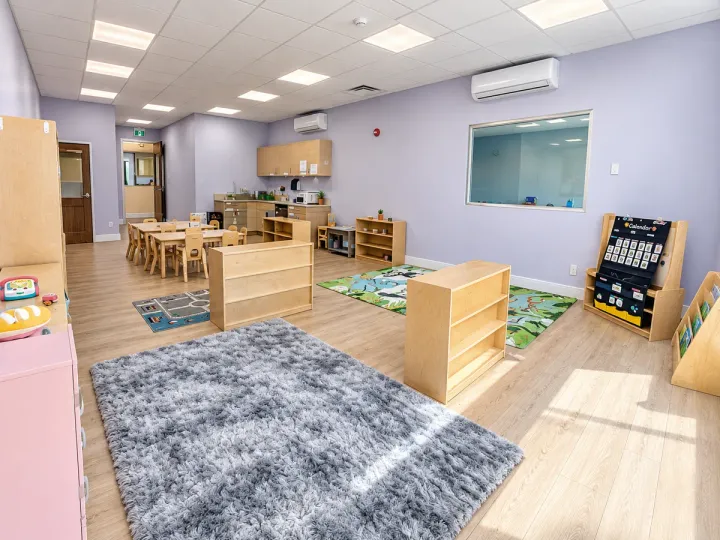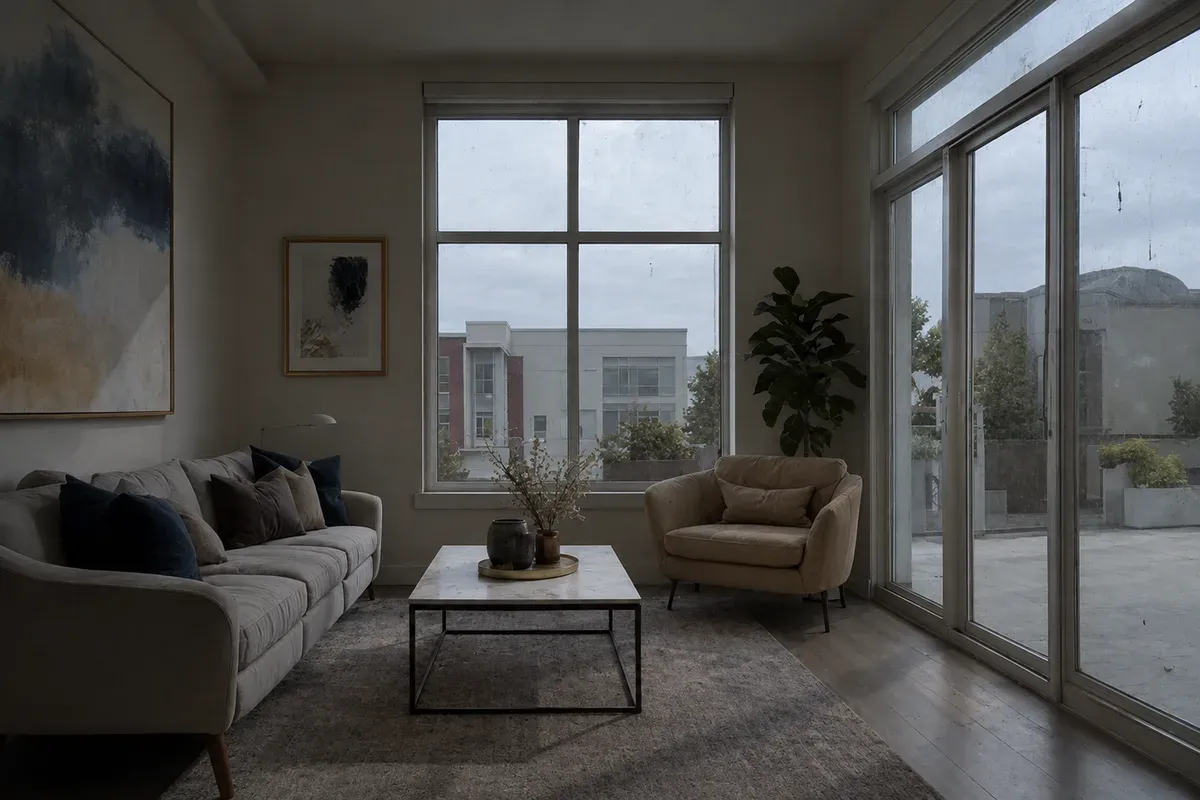
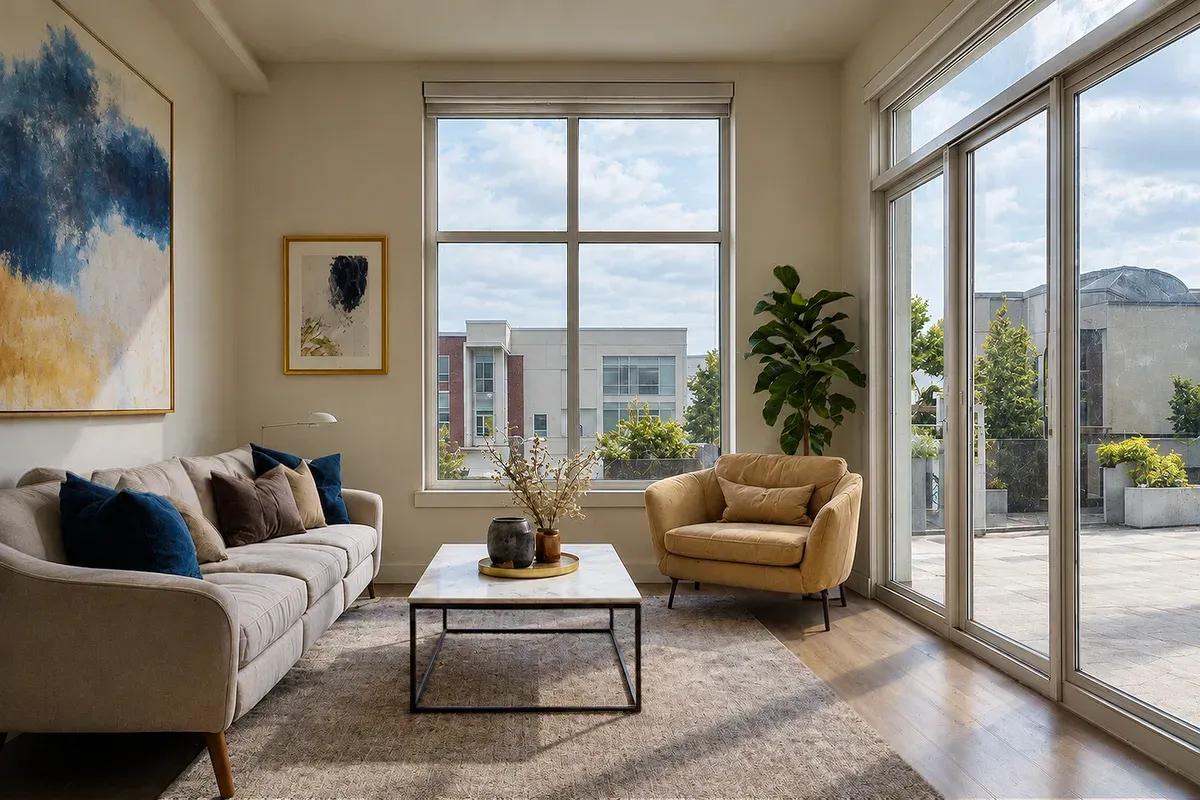
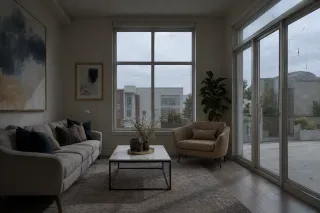
Brightening a dark interior photo means lifting a dim room shot to clean, even daylight, with true colors on the walls and furniture, while keeping the room exactly as it is. In this example, an agent photographed a city apartment's living room on an overcast afternoon. With no lights on and the exposure left as the camera set it, the room came out dark and gray: the sofa, armchair and painting are hard to make out, the cream walls look dingy, the window glass shows smudges and specks, and the photo makes the apartment look smaller and gloomier than it is.
What changed in this photo, and what stayed the same?
- Brightened: the whole room to normal daylight exposure, and the view outside so the sky reads as daylight.
- Cleaned: the gray cast, so the walls are warm cream and the furniture colors look true, and the smudges and specks on the window glass.
- Kept: the sofa and its cushions, armchair, marble coffee table, rug, plant, floor lamp, large painting, framed print and the buildings outside, in the same shape, size and position. Nothing in the room was added, removed or moved.
Why keep everything exactly as it is?
Listing photos must show what a tenant or buyer will find. Brightening is accepted practice; changing the shape of furniture, widening the room or adding objects is not, and it leads to disappointed viewings. The editor checks that every item is still there, in the same place and proportion, after the light is lifted.
What makes a brightened room look natural?
- Walls light but not glowing; corners slightly darker, as in real rooms.
- The window view still visible and detailed instead of blown out to white.
- Wood floors, upholstery and artwork keeping their real color, not turning orange or gray.
What should you send?
The original files from the camera or phone, all rooms of the listing together so they can be matched in brightness and color. If you shot several exposures of the same room, include them.
For an empty room, see virtual staging of a living room. For a window that came out white, see recover the window view in bedroom photos. More under real estate photo editing.
Photos
-
 living-room.jpg
1 credit ($8)
1 photo to edit
Instructions
The living room came out dark and gray, and the window glass looks dusty. Can you brighten it for the listing?
Private: recreated on our own images, not customer photos
The before/after shown here is recreated on images created or licensed for this site — never a real customer's photo. Your upload is seen only by the editor working on it, and the edit comes with free revisions within 14 days of delivery if anything needs adjusting.