Pearls take on the color of the room
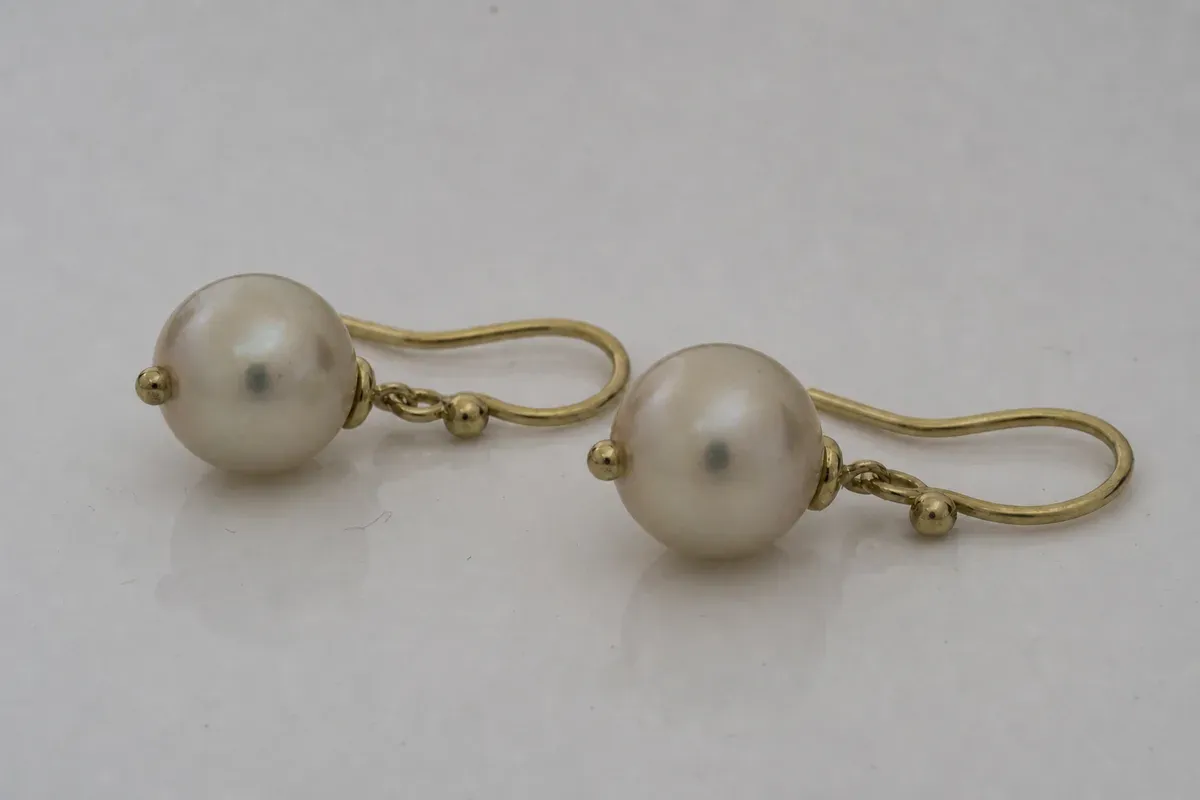
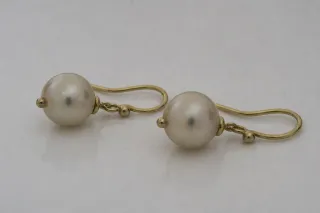
Pearls are small mirrors with a soft surface, so they pick up every color near them. In this macro frame the pearls look yellow-gray and dull, the gold reads brassy and slightly green, the background is an uneven gray, and each pearl carries a small dark reflection of the lens. Dust sits on the surface.
Who uses this
- Jewelry photographers shooting catalog sets
- Jewelers and designers listing pearls online
- Marketplace sellers whose customers return items that look different from the photo
How the edit is handled
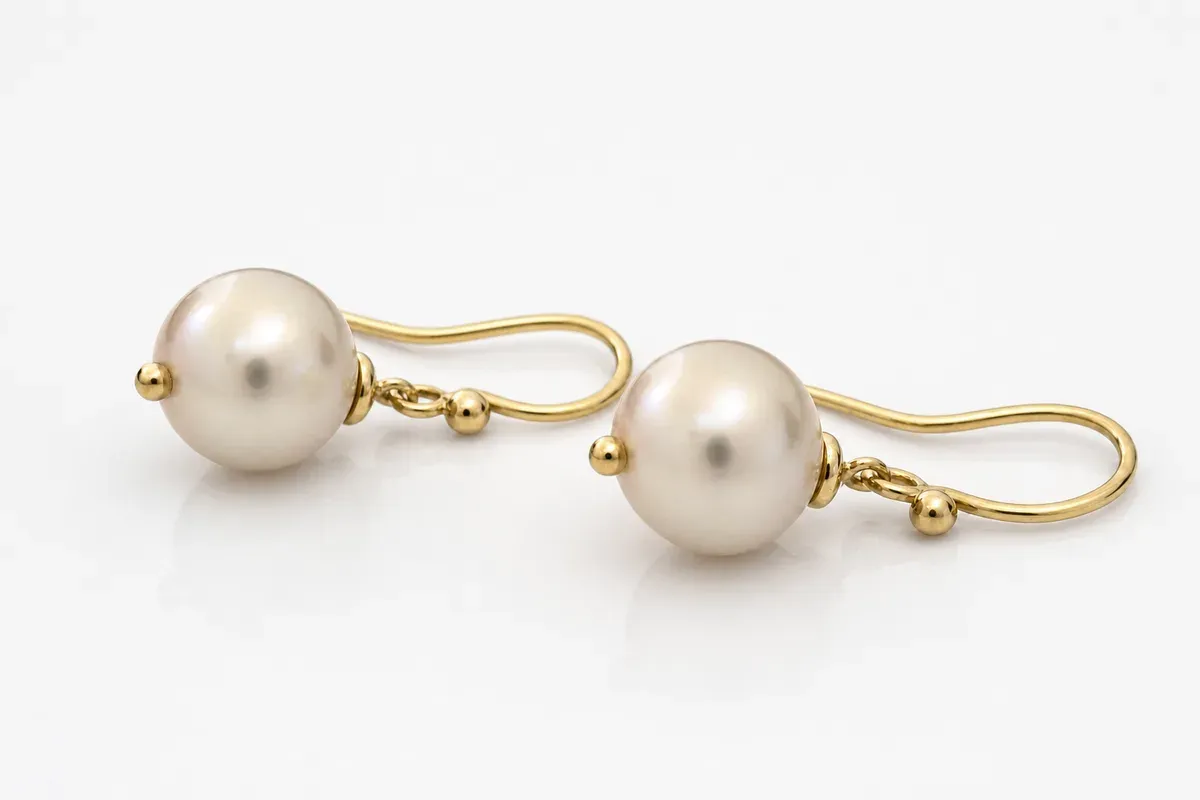
A human editor corrects the pearls and the metal separately. The pearls are brought back to a clean white with their natural rose overtone and a bright, smooth luster. The gold is corrected to a warm, clean yellow.
The lens reflections are removed from the pearls and the highlight rebuilt so the surface stays round. Dust and fibers are cleaned off, and the background is taken to pure white with a soft reflection underneath. The size and shape of the pearls are not changed. Color is matched to your description of the real piece, so tell us if the pearls are cream, white or pink.
What to upload
Send the frame and describe the true color of the pearls and the metal. A daylight photo of the piece is a useful reference.
Photos
-
 pearls.jpg
1 credit ($8)
1 photo to edit
Instructions
The pearls came out yellow-gray, but they are white with a pink overtone. Please correct them and put them on pure white.
Private: recreated on our own images, not customer photos
The before/after shown here is recreated on images created or licensed for this site — never a real customer's photo. Your upload is seen only by the editor working on it, and the edit comes with free revisions within 14 days of delivery if anything needs adjusting.