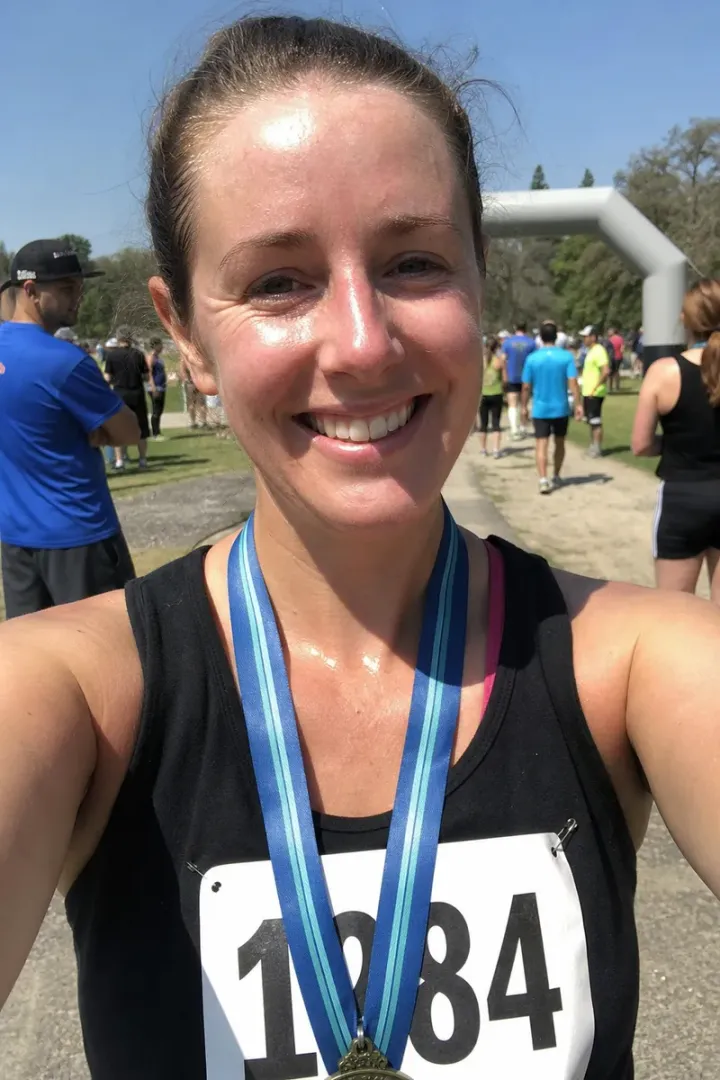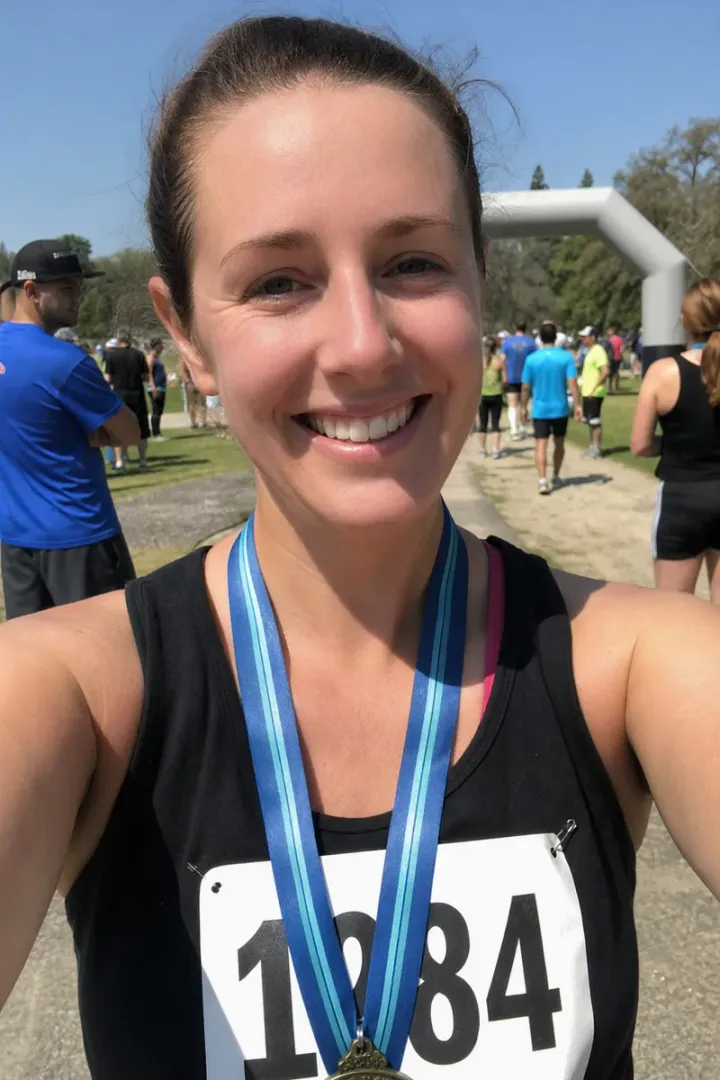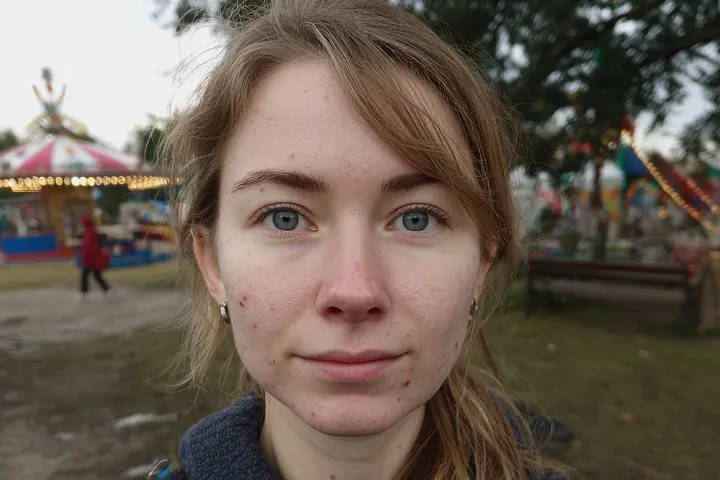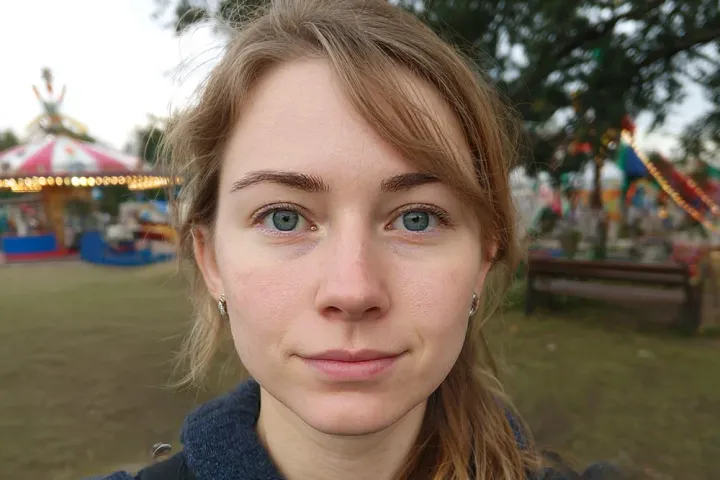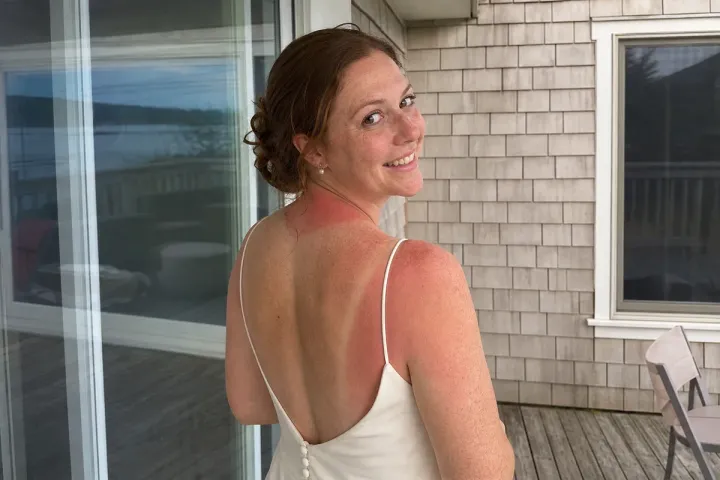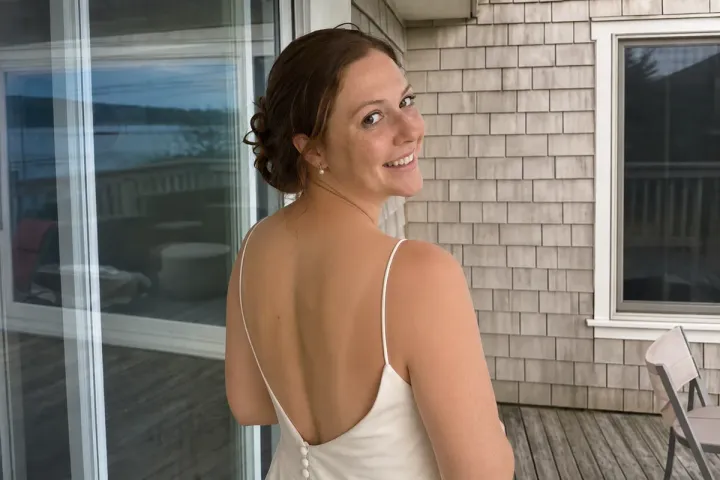

Removing dark circles from a photo means lightening the shadow under the eyes so the face looks rested, while keeping the skin texture and the natural shape of the eye area. In this example, a man stands in front of his own small bakery on its opening morning, and his sister takes his photo for the shop's social media and the local paper. He baked through the night to get ready, and gray-purple circles show under both eyes. He wants to look rested on the day he will remember, without looking retouched.
What changed in this photo, and what stayed the same?
- Softened: the dark circles under both eyes, so the two sides match. Only the area under the eyes was changed.
- Kept: the fine lines under the eyes, his eye shape, lashes, brows and smile, his hair, and the bread in the shop window behind him.
Why not remove the shadow completely?
Everyone has some shading under the eyes, because the eye sits in a socket. Erasing it flattens the face and is the quickest way to make a headshot look filtered. The editor lightens the darkest part, evens out the color difference between the two sides, and leaves the soft transition that gives the face its shape.
Dark circles, bags or wrinkles: which edit do you need?
- Dark circles are a color and shadow problem. They are fixed by lightening, as in this example.
- Puffiness or bags are a shape problem. They need a small reshaping, which is a separate request.
- Fine lines under the eyes are texture. Ask to keep them or to soften them; see remove wrinkles from a photo.
What should you send?
The original file and a note on where the photo will be used. A photo for your shop page, a local paper or LinkedIn usually needs a lighter touch than a printed portrait, because people will see you in person.
Other small fixes for photos you will share: remove face shine and turn a selfie into a headshot. All skin edits are listed under face and skin retouching.
Photos
-
 bakery.jpg
1 credit ($8)
1 photo to edit
Instructions
Opening day for my bakery, but I look so tired. Can you lighten my dark circles a bit?
Private: recreated on our own images, not customer photos
The before/after shown here is recreated on images created or licensed for this site — never a real customer's photo. Your upload is seen only by the editor working on it, and the edit comes with free revisions within 14 days of delivery if anything needs adjusting.