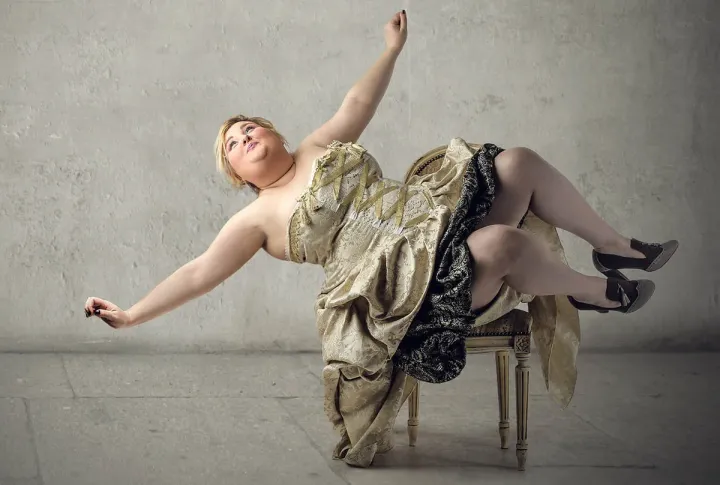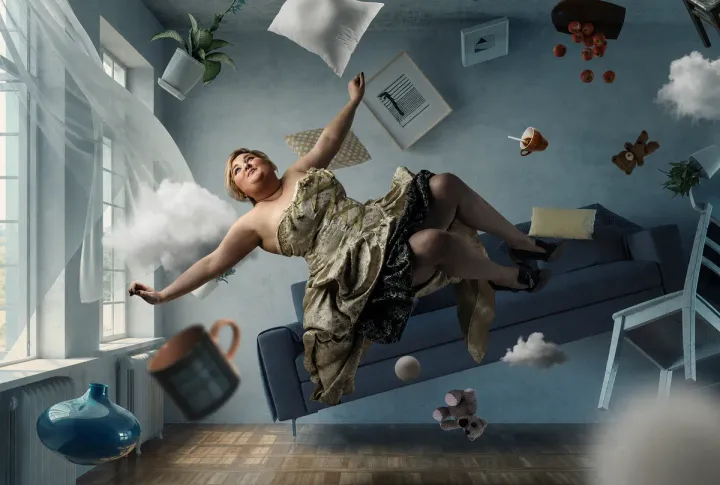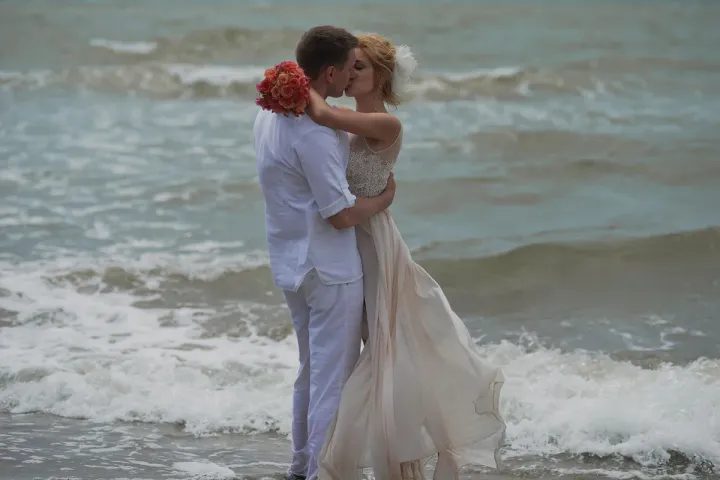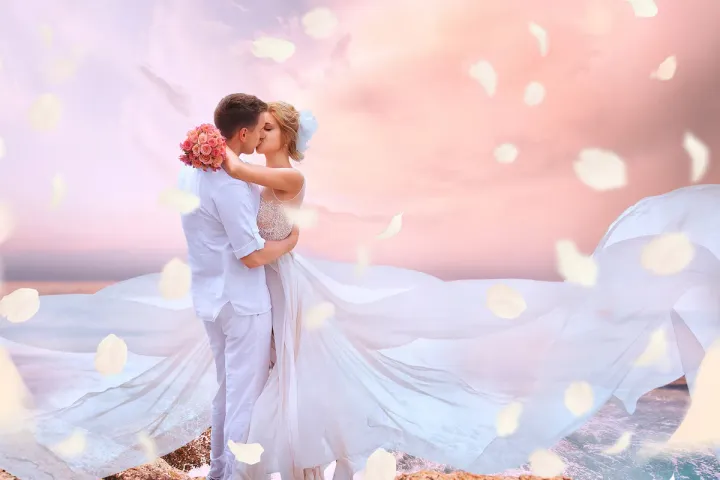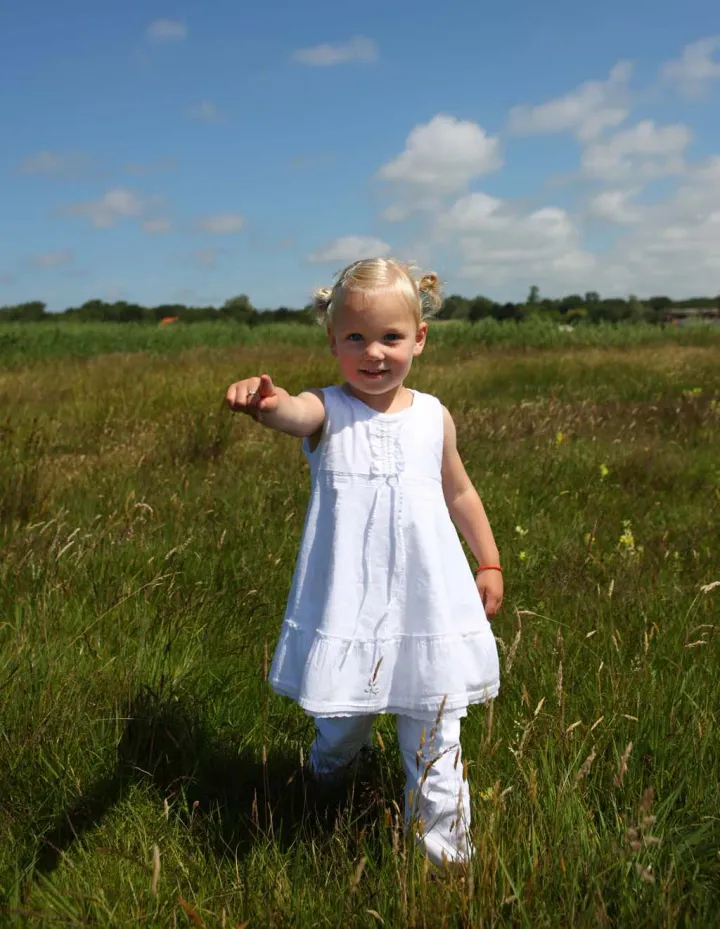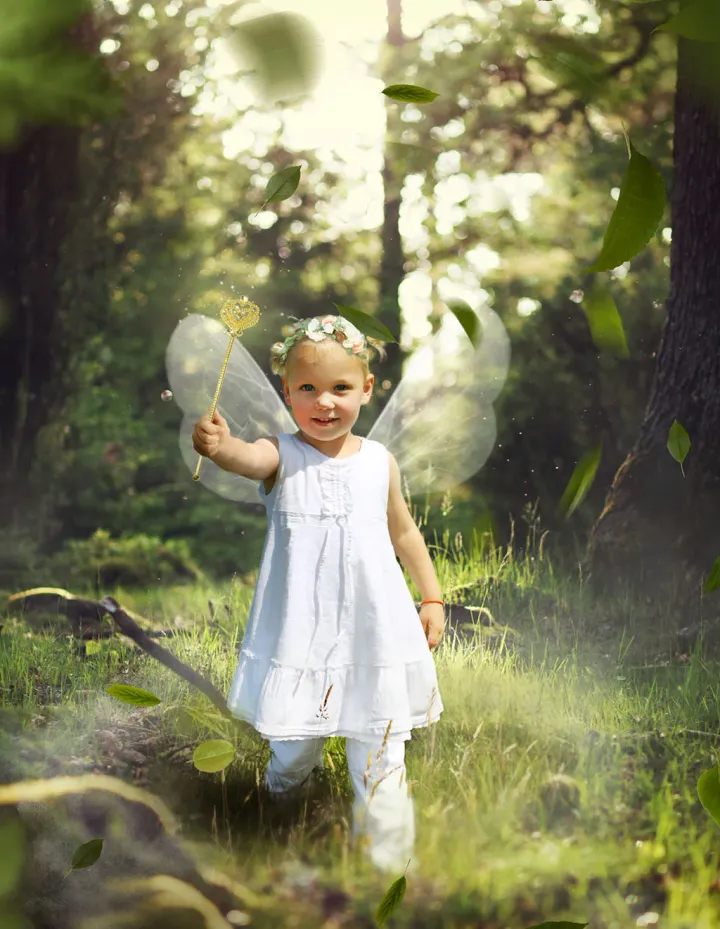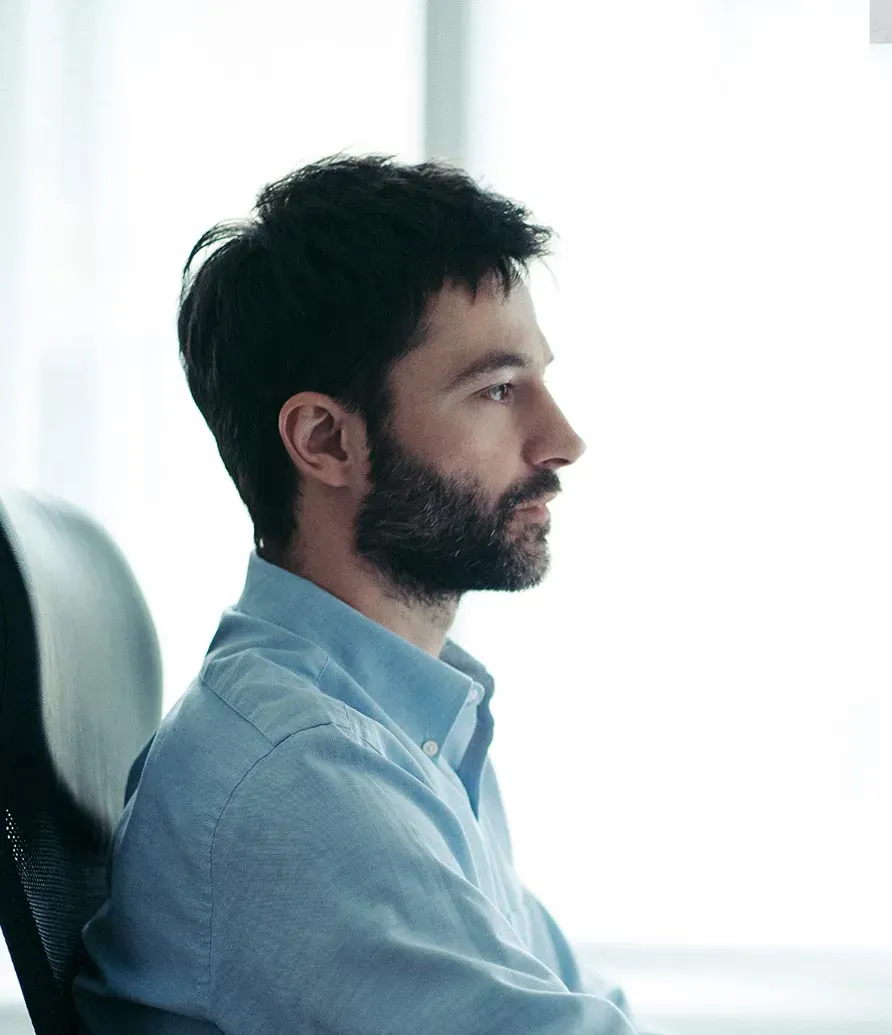
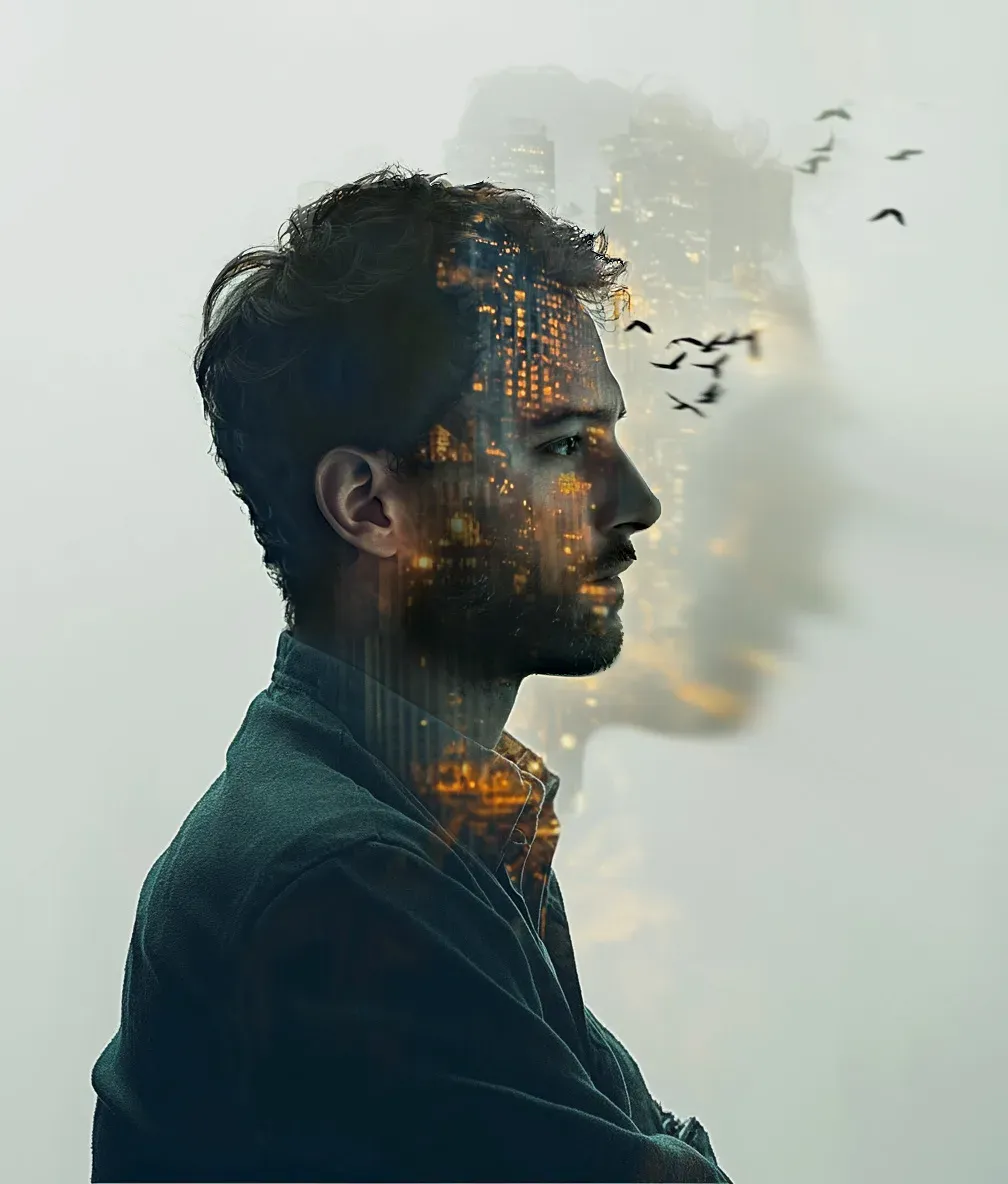
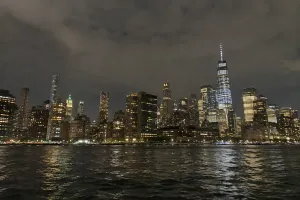
Blend urban architecture with your portrait using a stunning double exposure technique. Combine a profile or silhouette with a skyline, bridge, or night city scene for a sophisticated and artistic effect. Great for editorial, album art, or professional branding.
How the effect is built
A double exposure is not a filter. The editor masks your silhouette or profile by hand, picks a skyline, bridge, or night scene that follows the shape of your head and shoulders, and blends the two layers so the city appears to live inside the portrait. Highlights, contrast, and color are tuned so the final image reads as one deliberate composition rather than two photos stacked on top of each other.
What to send us
A portrait with a clear outline works best: a profile, a three-quarter view, or a straight-on headshot against a simple background. You can upload a city photo you want blended in (your hometown, a trip, a venue) or just name the look you want, such as "New York at night" or "a quiet European old town".
Photos
-
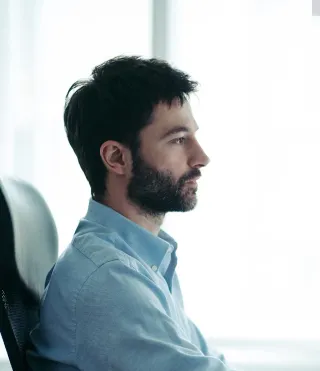 profile.jpg
1 credit ($8)
-
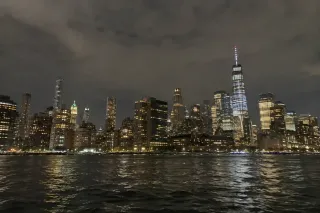 skyline.jpg
1 credit ($8)
2 photos to edit
Instructions
For my album cover, can you blend my profile with the skyline from the second photo? Dark and moody.
Good to know
Tell us where it will be used, for example an album cover, a LinkedIn banner, or a print, so the editor can size and crop it accordingly.
Masking the profile and blending the city into it by hand takes about 60 minutes. One credit covers up to 20 minutes on a photo, so this edit is 3 credits in total, the city photo included.
Private: recreated on our own images, not customer photos
The before/after shown here is recreated on images created or licensed for this site — never a real customer's photo. Your upload is seen only by the editor working on it, and the edit comes with free revisions within 14 days of delivery if anything needs adjusting.